Princh
Princh ApS

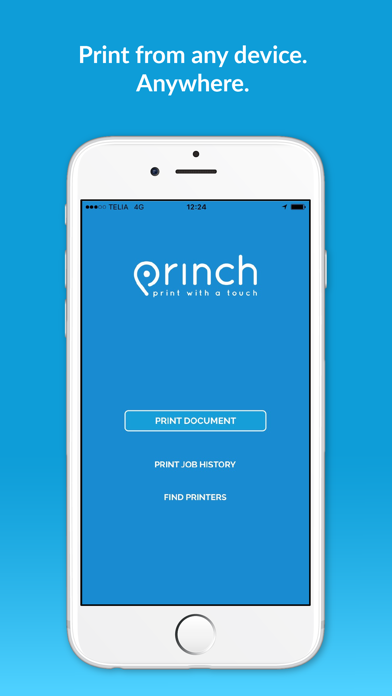
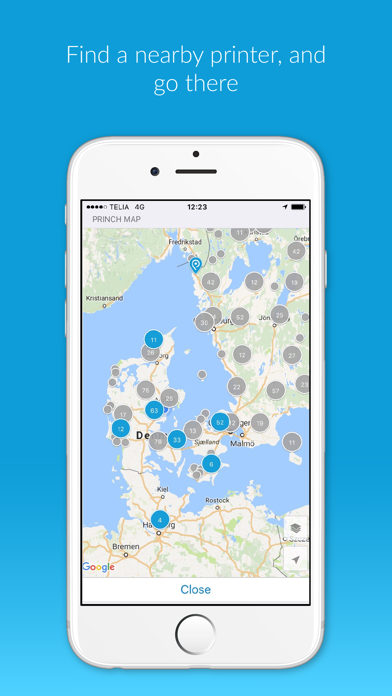
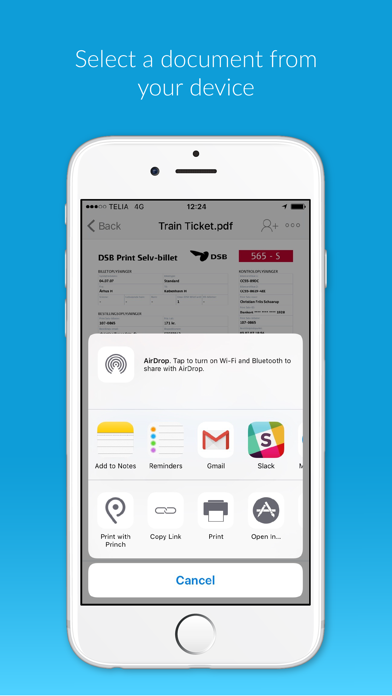
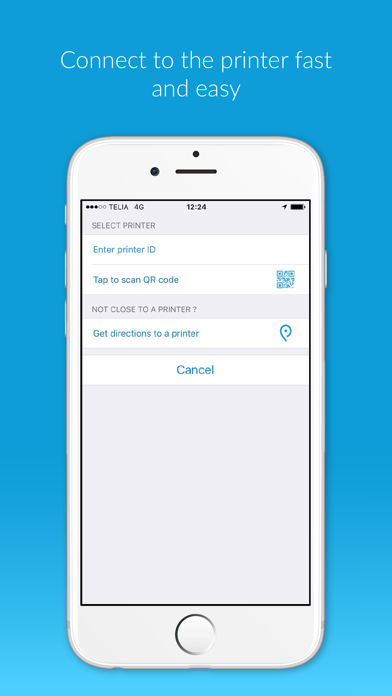
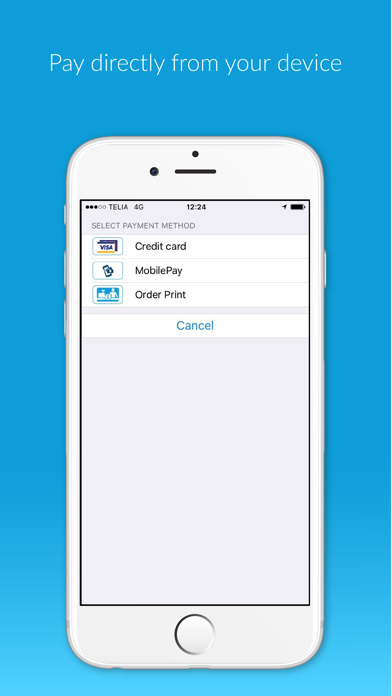
The Princh app lets you easily locate printers nearby and print documents directly from your device. App quick-guide: - Locate a nearby printer on the Princh map and go there. - Open the document you wish to print and tap “open in” Princh. - Select the printer either by typing in the printer ID or by scanning the QR code by the printer. - Finish by paying for the print job with your credit card or other payment form and collect your document in the printer. That’s it! The Princh network consists of publicly available printers in a multitude of locations such as libraries and print shops etc. We want to give you the best printing experience possible, so if you have any comments, questions or problems we would love to hear from you at support@princh.com Thank you for your support!
Screenshots