Toggle Split
MSYapps

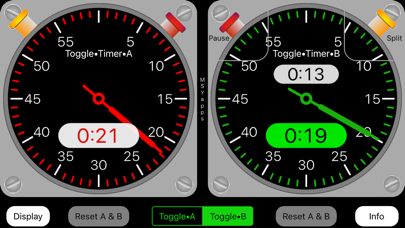
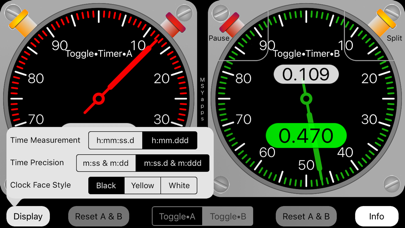
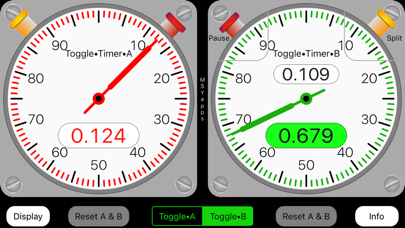
The Toggle Split timers consist of two stopwatches each with a split timer. You can alternate between Toggle•Split•A and Toggle•Split•B by touching the segmented button beneath the stopwatches. Each stopwatch has two buttons: one starts the stopwatch and resumes after a split and the other records each split time shown in red numbers on a white background. When either stopwatch is paused, you may reset it to zero time by touching the corresponding reset button beneath the stopwatch face. On the stopwatch displays, time can be measured in either seconds or decimal minutes. Additionally, there are two levels of time precision. One displays two digits for seconds or two digits for hundredths of a minute. For more precision, the other measures and displays seconds as two digits plus tenths of a second or three digits for thousandths of a minute. Lastly, there are three clockface color options to improve readability day or night.
Screenshots