Lyric Scroller
Matthew Rosemeier

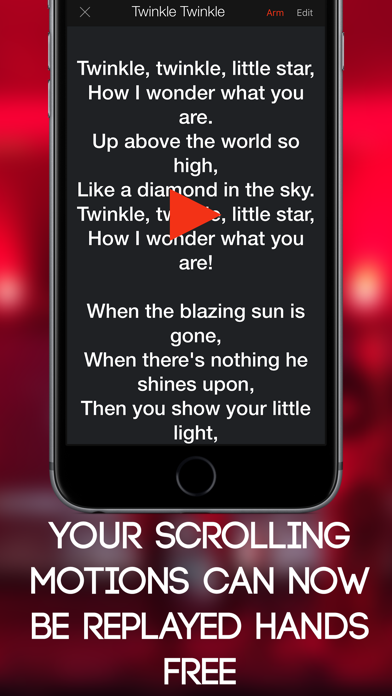
Lyric Scroller allows you to type in your lyrics, record the exact motion of scrolling them on the screen, and then replay those motions. The words will automatically move for you, exactly how you scrolled them the first time. This leaves you free to play an instrument or wave to the crowd. You can even externally-start the scroll playback using OSC Messages! Perfect for karaoke singers, musicians who play to a click track, and even public speakers. Never forget a word again. Large text and a high-contrast interface make it easy to see from longer distances and in low-light conditions. -> Tap the arrow button to rearrange your songs. -> Tap the Arm button to get ready to record your scrolling motions. -> Tap the record button to begin recording. Tap again to end recording. -> Enable Auto-Advance in Settings to automatically display the next song when the current one is finished. -> Now the long-awaited Set Lists feature allows you to create set lists with different songs and order them as you please within the set.
Screenshots