QR Counter
Ursin Tanner

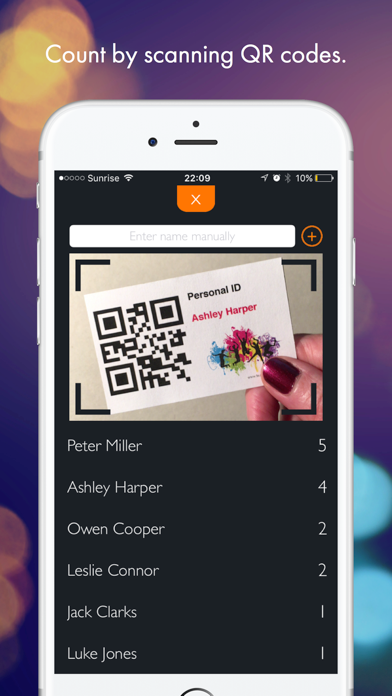
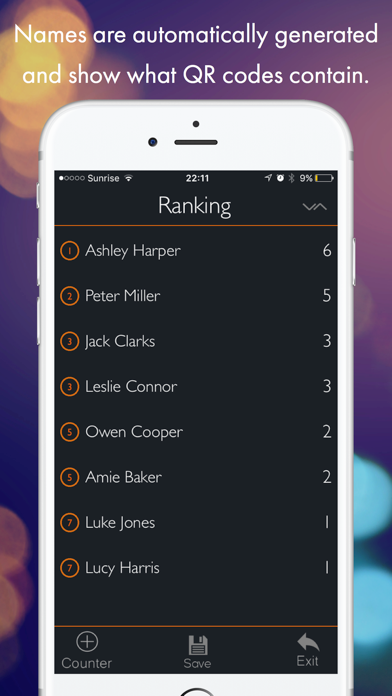
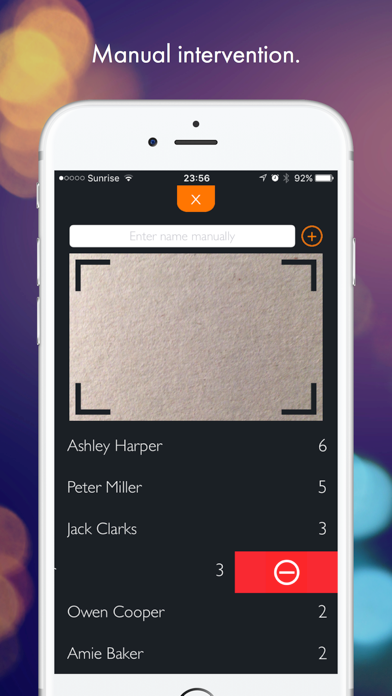
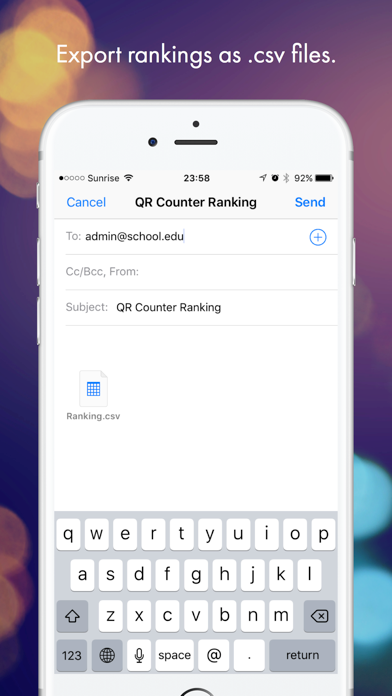
Count without a single click and without entering a single name! The app counts how often a QR code is shown. COUNT WHATEVER YOU WANT! Use this app for... ... counting points in a game or quiz. ... counting laps students have run. ... counting how often something was done by each student. ... checking who was here (you will get a list of all names). ... checking how often someone was here (you will get a list of names and quantities). ... checking your workflow - put a QR code on every station. ... counting your students' things. and much more. -> NO CLICKS Start the app and it will automatically count all shown QR codes until you stop the scanner. -> NO TYPING OF NAMES The app automatically creates new items if a new QR code is shown. The name is whatever the QR code contains. -> GET A RANKING Choose the sort order: Is the highest or lowest score best? -> SAVE AUTOMATICALLY Close the app and work on the same data the next day. All data is saved automatically. -> EXPORT Save and export rankings by email as .csv files. -> MANUAL INTERVENTION Change the result by swiping right to add 1 point. Swipe left to remove 1 point. If there is a person without QR code, it is possible to manually add a counter. -> CREATE MULTIPLE QR CODES ONLINE AT http://www.teaching-apps.com Simply type in all names/items at once and get multiple QR codes in a PDF, which you can then print and save. It couldn’t be any easier! Each QR code is embedded in a student ID card in a credit-card size. These cards can be used for different apps and uses. Be sure to subscribe to the newsletter to receive updates on any new apps.
Screenshots