AirServer Connect
App Dynamic

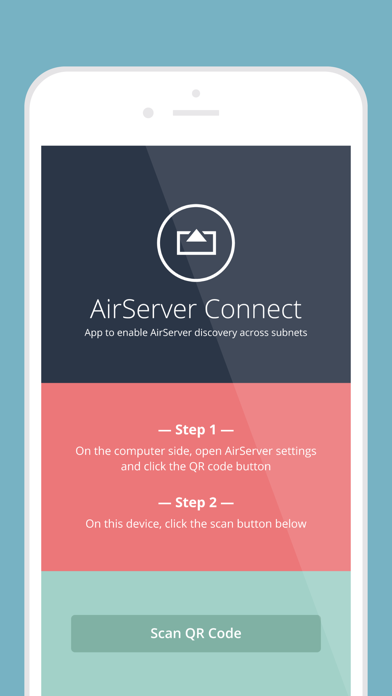
AirServer Connect assists you in discovering AirServer on a busy network or when you have multiple subnets / VLANs (but connectivity) on your network. This is especially handy for schools and businesses with more complex network environments. Connecting is simple: 1. On the computer side, open AirServer* settings and click the QR code button. 2. On the iOS device side, open AirServer Connect and click the Scan button. AirServer Connect will read the QR code and will automatically add your computer name to the AirPlay list in your iOS device. To mirror your display to your computer running AirServer, simply tap on this new entry and enable mirroring. *AirServer must be installed and running on your computer.
Developer website
http://www.airserver.comReleased
2015-04-22T11:57:18Z
Current version
2.7
Reviews & Ratings
2.2
out of 5
5
4
3
2
1
🚫 Very low user satisfaction
258 reviewsScreenshots