ePraise
epraise limited

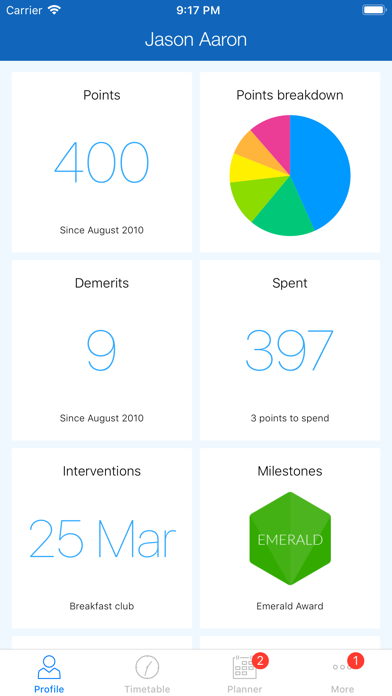
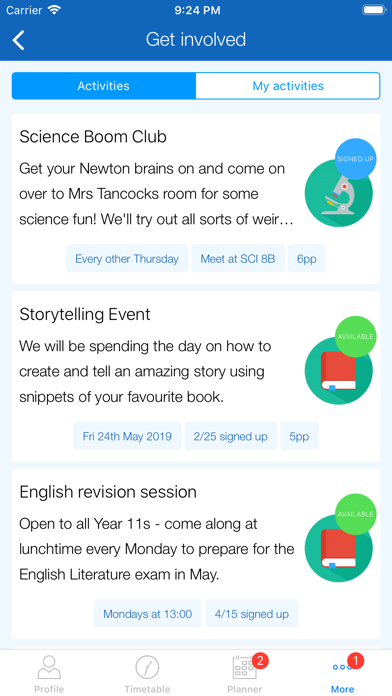
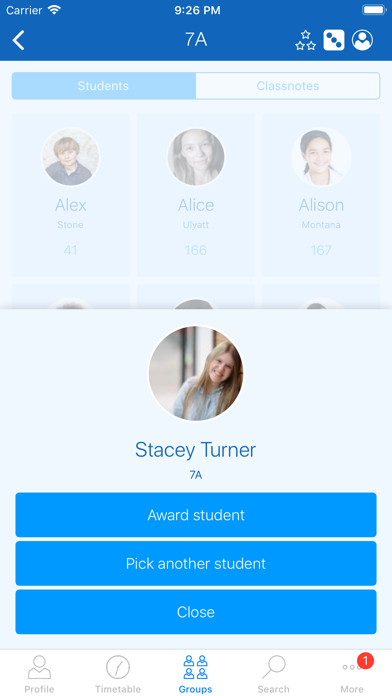
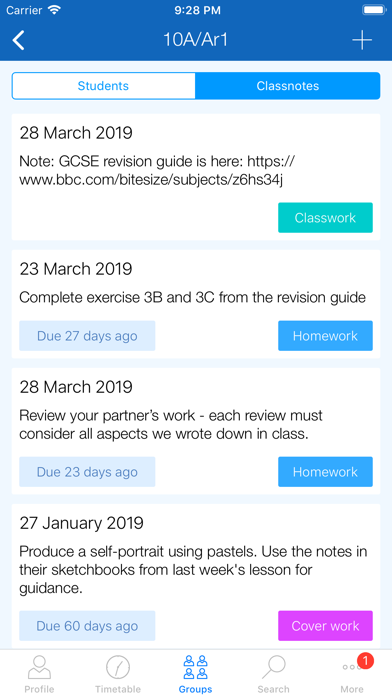
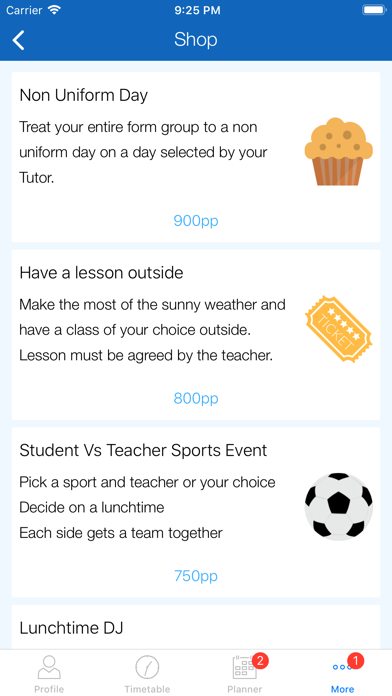
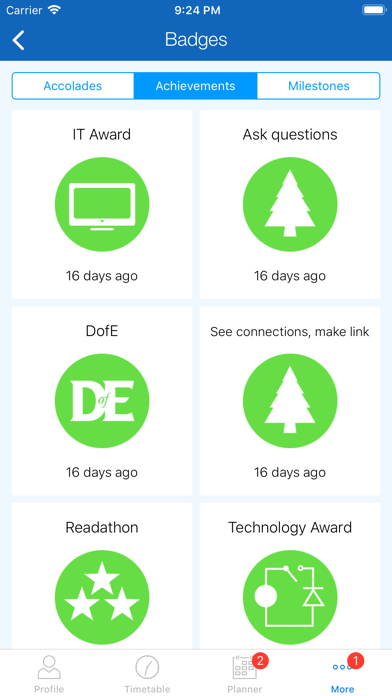
Motivate students, engage parents and save teacher's time with epraise. Please note that your school must have an active subscription if you wish to use this application. All users - Access quick links to key school information such as term dates - Communicate and fill in forms via messenger Students - Check out your profile including any points, demerits, interventions, attendance and badges you've earned - Complete your daily or weekly check-in - See your timetable for the next two weeks - See and mark homework as done - Upload homework by selecting a file or taking a photo - Complete homework quizzes - Spend your points in the shop, draws and donation areas - Sign up to school clubs and activities - Download school reports and other documents - Report any concerns directly to key members of staff Teachers - Check out your profile including recent points and demerits you have awarded - Complete your daily or weekly check-in - Browse and search for classes, tutor groups and students - Award points, add demerits and set interventions - Set homework - Add notes to classes including cover work - Check on student class passes Parents - View your children's profiles including any points, demerits, interventions, attendance and badges they've earned - See a detailed breakdown of your children's attendance - See your children's timetables - See your children's homework - Sign up your children to school clubs and activities - Download school reports and other documents We're constantly improving our mobile applications, so if you've got any suggestions, please let us know via our website.
Screenshots