Wi-Fi Info
Csaba Iranyi

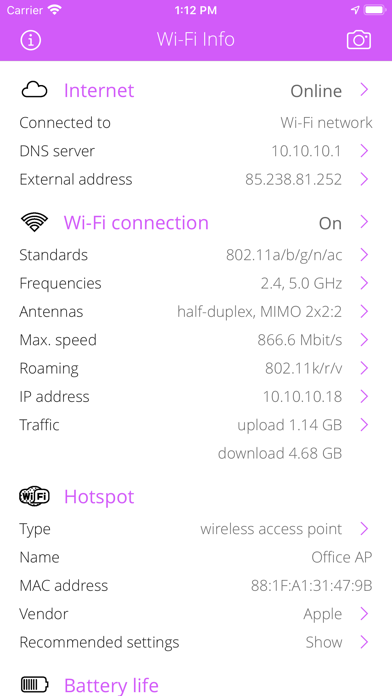
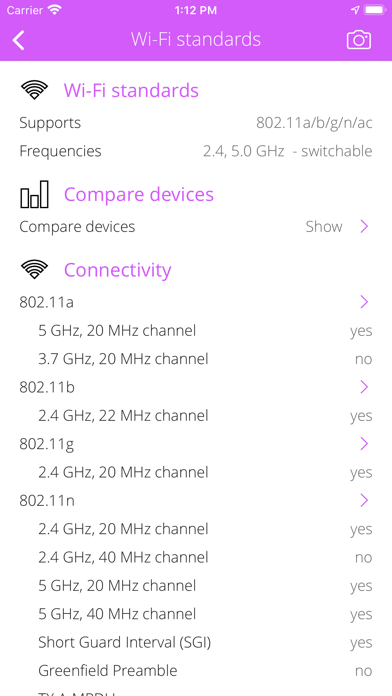
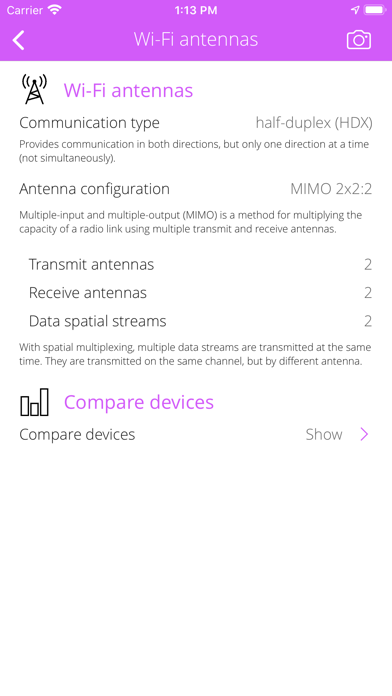
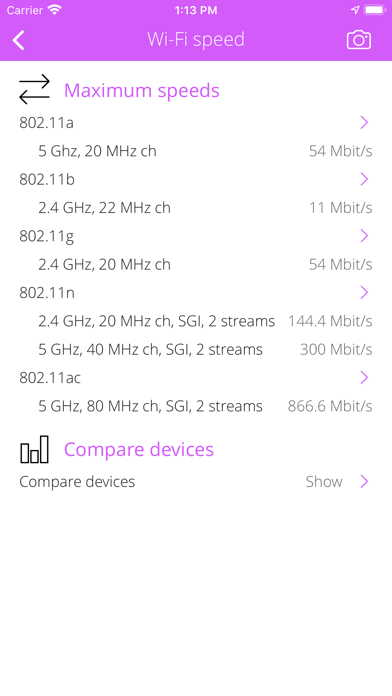
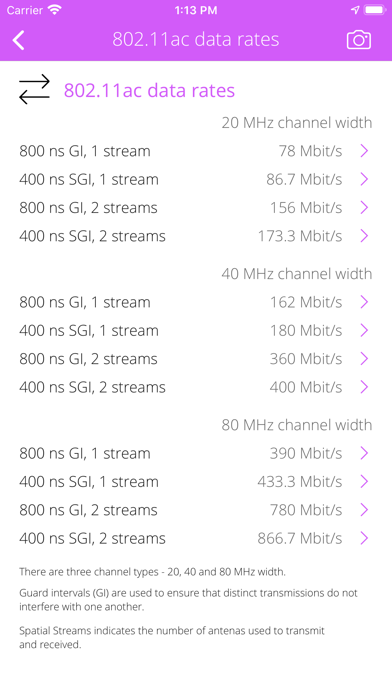
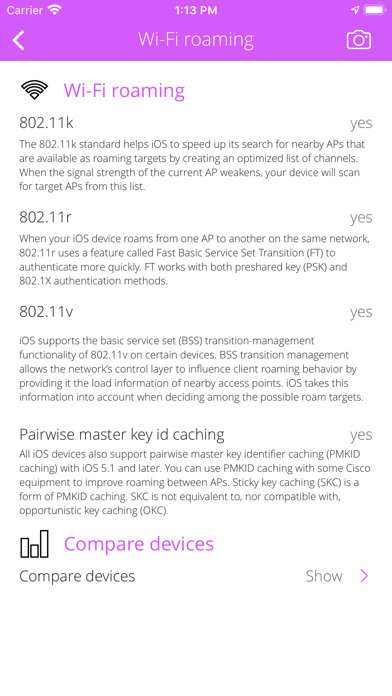
Everything you want to know about your WI-FI CONNECTION but were afraid to ask. Wi-Fi Info is a small and useful utility that lets you see detailed information about current Wi-Fi connection from hotspot informations to wireless features and more. WI-FI ACCESS POINT / HOTSPOT INFO • Detect hotspot type (wireless access point or ad-hoc connected device). • Hotspot SSID (service set identification), MAC address, IP address and vendor informations. WI-FI CONNECTION INFO • Detect and explain wireless standards supported by your device (802.11a/b/g/n/ac/ad). • Detect wireless speed-up features (short guard interval, STBC, HT duplicate, etc). • Detect and explain wireless operation frequencies and channels. • Detect and explain available antennas, MIMO config, spatial streams. • Detect and explain Wi-Fi roaming (802.11k/r/v) support. • Detect wireless security options and modes (WPA standards and EAP modes). • Detect wireless optimization (WMM) and access features (Wi-Fi Direct, Miracast, Voice). • Detect max. physical wireless speeds. • Show Wi-Fi network traffic counters: upload, download, errors, quality of service (QoS) categories. COMPARE DEVICES • Compare iPhone, iPad, iPod Touch and Apple TV devices. • Compare supported Wi-Fi standards and frequencies • Compare built-in antennas (MIMO config). • Compare maximum speeds. WI-FI HARDWARE INFO • Detect built-in Wi-Fi chip type. INTERNET INFO • Show default gateways, IP addresses, networks. • Show DNS servers, search domain names, local MAC addresses, host name resolve. • Depth external address analysis: ISP name, autonomous system name, whois, ping, regional internet registry info. • Full offline MAC vendor database. DEVICE INFO • Detect device type and model. • Detect processor type. • Detect memory size. • Detect storage size. • Detect firmware name, version. • Detect last reboot time. REACH UI FEATURES • Info menu with feedback and privacy settings • Use the camera icon (upper-right corner) to create and print/send/share a screenshot from the entire page. • Pull down with your finger to refresh the informations. • Long press on a cell to copy/print/send/open as/share the cell value. • Shake your device to refresh the informations.
Screenshots