ProKnockOut-Cut Paste Photos
RETOUCH AI PTE.LTD.

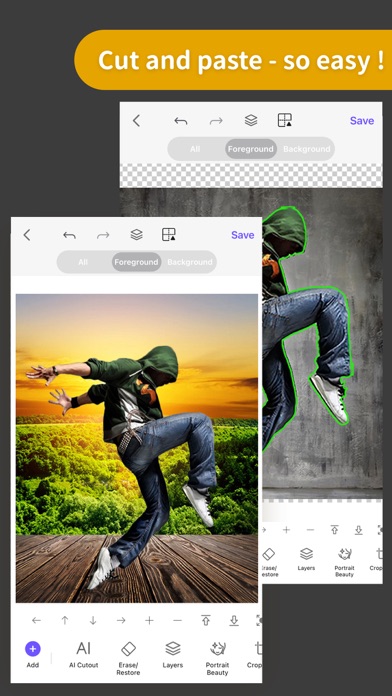
ProKnockOut is an AI photo editor built for powerful cutouts, background removal, object erasing and creative photo editing. Create clean, professional images in just a few taps. BACKGROUND REMOVER • Remove backgrounds with one tap • Cut out people, products, animals and objects • Refine hair, fur and fine edges • Create transparent PNG images • Replace backgrounds with your own photos PHOTO CUTOUT & COMPOSITION • Make precise photo cutouts • Use Lasso, Eraser and other selection tools • Combine multiple images with layers • Create seamless photo compositions • Adjust and blend images with ease AI PHOTO TOOLS • AI photo editing • AI-powered creative effects • AI image generation • AI Expand for extending image backgrounds • AI product images for professional product scenes • AI restoration and colorization tools MAGIC ERASER • Remove unwanted objects and people • Clean up distractions from your photos • Restore the surrounding background naturally ID PHOTO • Create ID and passport-style photos • Change background colors • Choose from multiple photo sizes • Automatic cutout and photo adjustments CREATIVE PHOTO EDITING • 100+ filters and effects • 23 blend modes • Stickers, text and templates • Photo collages • Custom image sizes • Transparent PNG and JPG export Whether you are creating product images, social media content, ID photos or everyday edits, ProKnockOut gives you the tools to cut, edit, compose and perfect your photos. Privacy Policy: http://www.godimage.mobi/policy Terms of Use: http://www.godimage.mobi/terms
Screenshots