Avaya Workplace
Avaya, Inc.

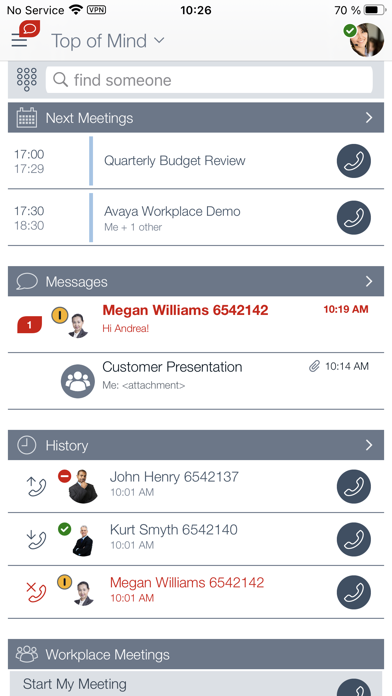
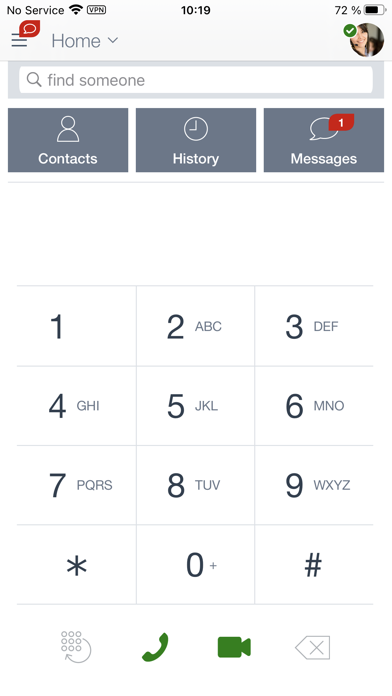
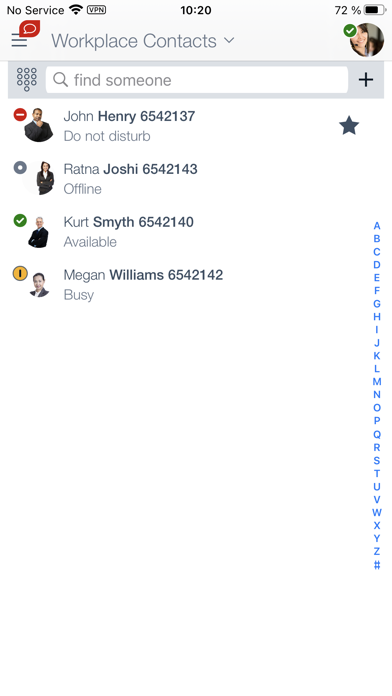
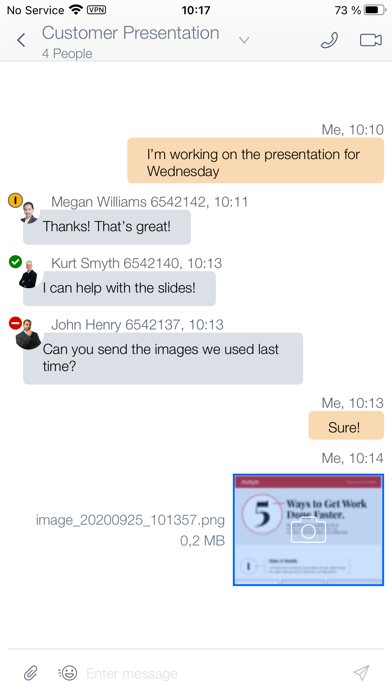
Avaya Workplace integrates your iPhone and iPad with your office Avaya Aura or IP Office communications environment and delivers mobile voice & video VoIP calling, rich conferencing, instant messaging, presence, visual voicemail, corporate directory access, call history and more! Key Capabilities (Feature availability will vary based on your environment and configured services) · VoIP calls – Lower your mobile service charges by making VoIP calls over Wi-Fi or mobile data networks · Conceal Your Mobile Phone Number - Calls made with Avaya Workplace are handled by your office communication system and will display your office calling line ID, not your mobile phone number · Cellular Voice integration – If VoIP isn’t your best option, then traditional cellular voice service can be used and calls will still be routed through your office communication system · Call Mobility – VoIP roaming between Wi-Fi and 3/4G networks, and call handoff between cellular voice and VoIP · Single Number Contact – Choose to have incoming office calls ring on your iPhone and/or any other phone you may want to use · Visual voicemail – Enables you to see who left you a voice message and when it arrived. Messages can be played in any order. · Instant Messaging – Exchange text messages and multi-media file attachments with archival/retrieval · Presence status – View the Presence status of colleagues · 24X7 call logs shows all office line call activity regardless of which device was used or when calls arrived · Corporate Directory Integration – Search for corporate contacts and create a list of favorites · Integrated audio / video / web conferencing with Avaya Workplace Meetings Online and Avaya Workplace Conferencing
Screenshots