Music player: Folder Music+
Seong Eon Kim

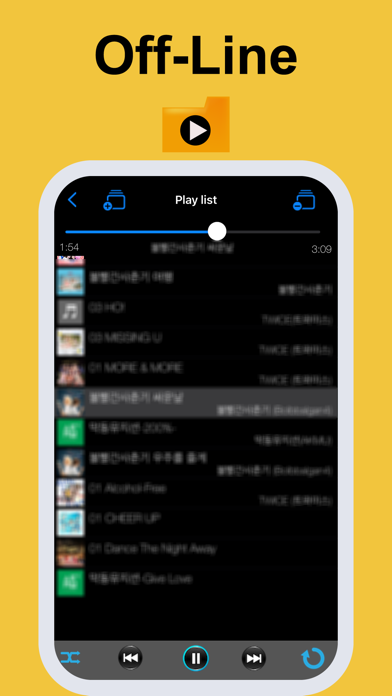
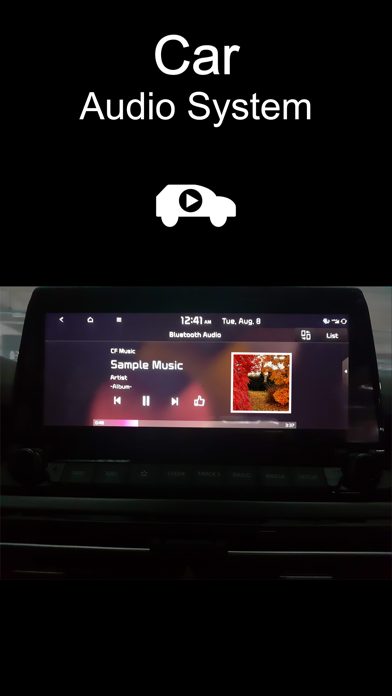
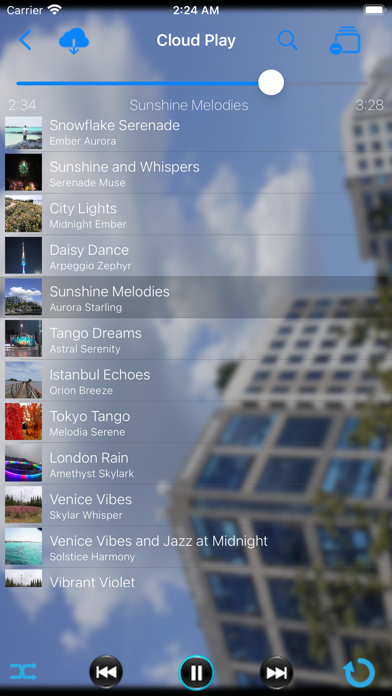
Folder Music+ is a music player app that allows you to enjoy music both offline and from the cloud. ▶ How to play music - First, you need to have music files stored on your device or in your personal cloud. 1. Tap the Plus (+) button 2. Enter a playlist title 3. Choose one of the following options: A. Cloud / Folder B. Music Library (usually music synced from a PC) 4. Select a title from the list 5. On the playback screen, tap "Add Track" → "Add Music" 6. Play the music ▶ Features - Shuffle (random) play and sequential play - Repeat options: No Repeat, Repeat All, Repeat One - Background playback - Earphone button control support
Developer website
https://eonsoft21h.web.appReleased
2014-10-28T13:12:12Z
Current version
5.10.12
Reviews & Ratings
4.2
out of 5
5
4
3
2
1
🙂 Mostly positive reviews
34 reviewsScreenshots