Tikkun Korim - תיקון קוראים
Shersheial Borisute

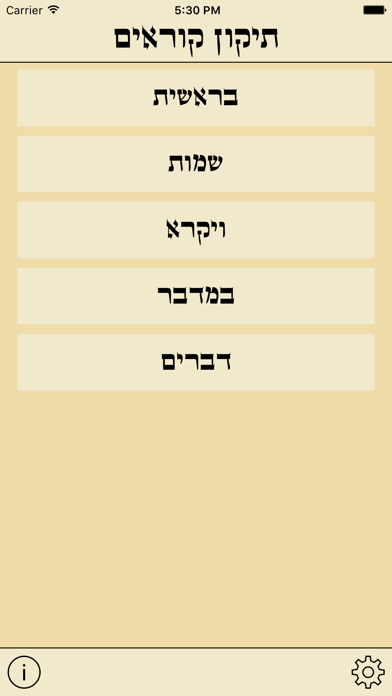
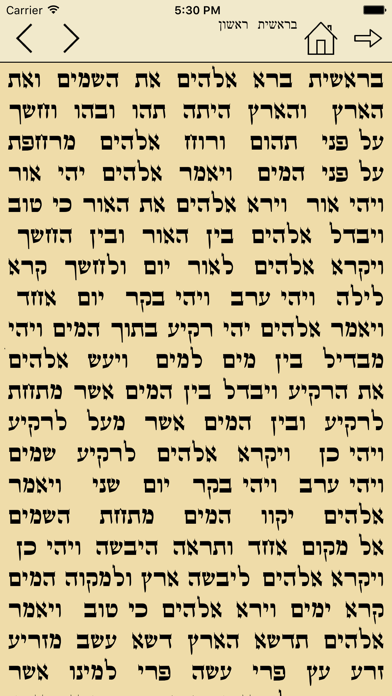
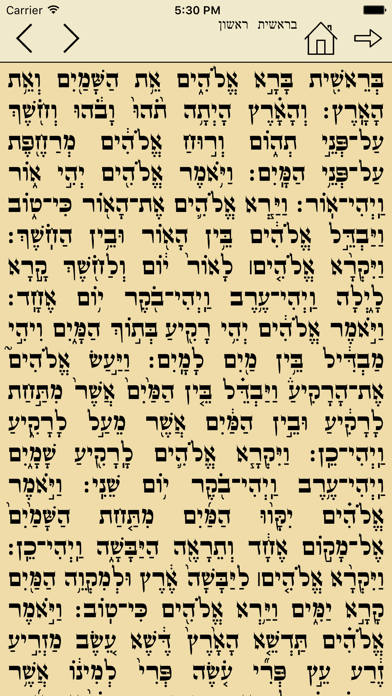
Perfect for going over any portion of the Torah reading. Choose a Parsha including double Parshiot and start practicing right away. Makes practicing much easier on the go. The traditional Tikkun Korim places the 'Chumash' text on the right and the 'Torah' text on the left. This project was made with mobile one handed use on small screened devices in mind, that's why we came up with a simple way to get the most out of the small screen, by simply tapping to remove the Trop and Nikkud. תיקון קוראים לחמשה חומשי תורה INSTRUCTIONS: - Select a Chumash then a Parsha then an Aliya. - Tap the text to switch from with Nikkud and Trop/Taamim/Simanim to without. And vice versa. - Tap the back button on the top of the screen to go to the previous menu. - Tap the 'Home' icon to start from the beginning. - Quickly switch from one Aliya to the next by tapping the arrows on the top left
Screenshots