UrKeyboard輸入法
zhihmeng

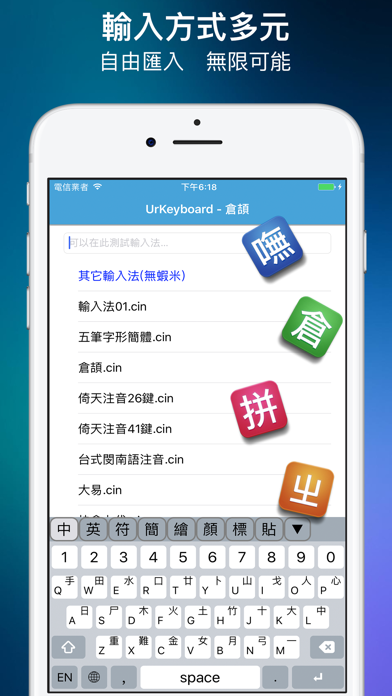
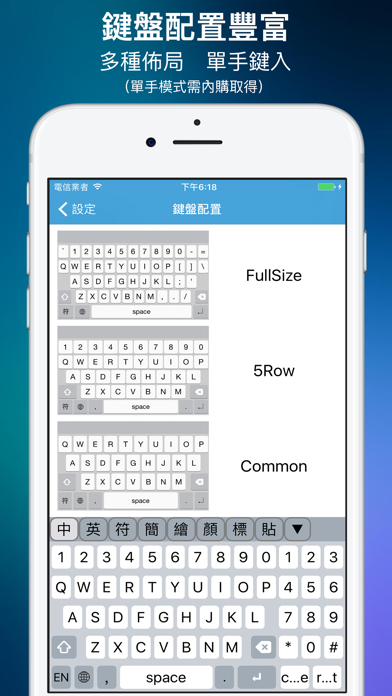
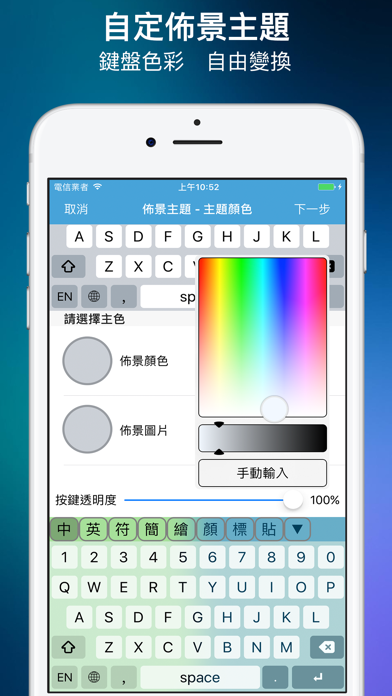
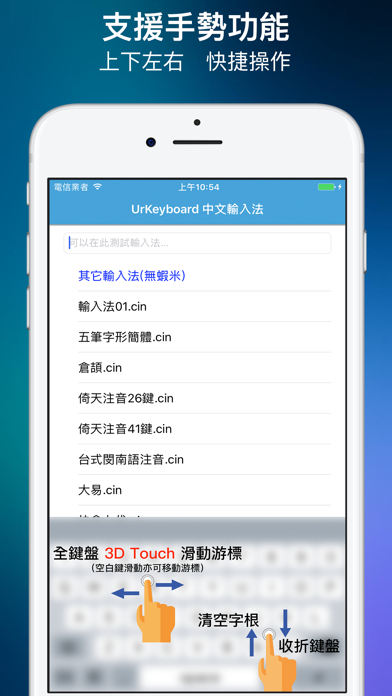
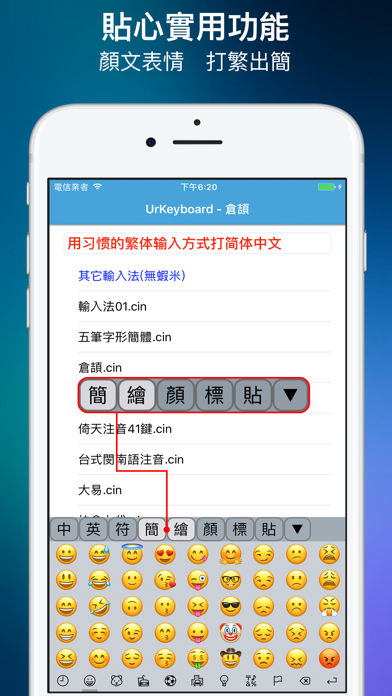
UrKeyboard — Your Personalized Chinese Input Keyboard Supports multiple Chinese input methods including Boshiamy, Zhuyin (Bopomofo), Cangjie, Dayi, Array, and Pinyin — all in one app. 【Continuous Input, Type Fast】 Continuous input mode for Zhuyin and Pinyin lets you type an entire sentence at once. Our smart language model handles word segmentation automatically. The more you type, the smarter it gets. 【Themes, Your Way】 Choose from built-in themes with automatic light/dark mode switching. Pro users can customize 40+ appearance properties including background images, key colors, fonts, and more. 【Community Theme Store】 Browse, download, and share creative themes with the community. Search by tags and discover trending designs. 【Rich Keyboard Layouts】 5 keyboard layouts (Standard, Zhuyin, 5-Row, Full-Size, 31-Key), 15 sound themes, and 5 haptic presets for your preferred typing feel. 【Packed with Features】 Emoji (Unicode 16.0), Kaomoji, and Symbol panels Clipboard panel for quick pasting Traditional-to-Simplified output Cursor control via spacebar swipe Long-press for alternate characters English autocomplete Custom dictionary with shortcodes 【Cloud Sync (Pro)】 Sign in to sync your preferences, learned word frequencies, and custom dictionary across devices. Supports Sign in with Apple and Google Sign-In. 【Privacy First】 UrKeyboard does not record, collect, or transmit your keyboard input. Word frequency data is stored locally. Cloud sync is opt-in only. Privacy Policy: https://urkeyboard.molioapp.com/privacy-policy.html Terms of Use (EULA): https://www.apple.com/legal/internet-services/itunes/dev/stdeula/
Screenshots