iSpring LMS
iSpring

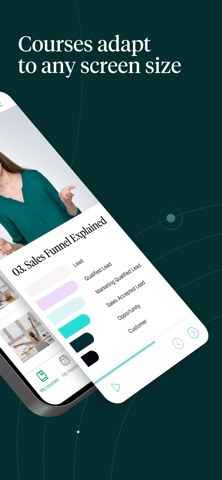
Enable your teams to access training materials from iSpring LMS and learn whenever it’s convenient — all through a single mobile platform. Enjoy an intuitive mobile LMS interface in 30 languages. The app doesn’t require onboarding — trainees can start taking courses immediately. Training content automatically adapts to any screen size and orientation, ensuring a consistent experience with courses and quizzes across desktops, tablets, and smartphones. Key benefits for trainees: — Take courses offline: They can save content to their mobile device and access it anytime, even without an internet connection. Learning progress is preserved, and all data syncs automatically once they’re back online. — Receive timely reminders: Your learners can stay on top of training programs with push notifications for new course assignments, webinar reminders, and schedule updates. — Access the corporate knowledge base: Critical information, workplace instructions, and resources are just a tap away. Download them from the internal Knowledge Base for easy reference anytime. — Start learning easily: All they need is their iSpring LMS account details, available from the corporate trainer or LMS administrator. Key benefits for managers and trainers: — Track training impact with the Supervisor Dashboard: Monitor employees’ competencies and achievements through a comprehensive view of key training KPIs, including areas that need improvement. — Conduct on-the-job training: Create targeted checklists for specific roles and tasks, lead observation sessions to evaluate work standards, and provide feedback — all from your smartphone.
Screenshots