Nintype
Jormy Games

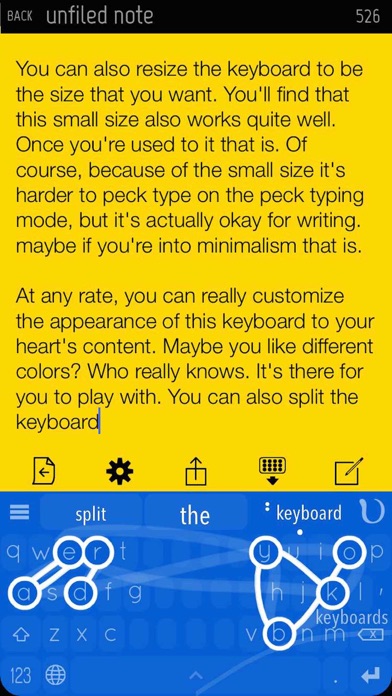
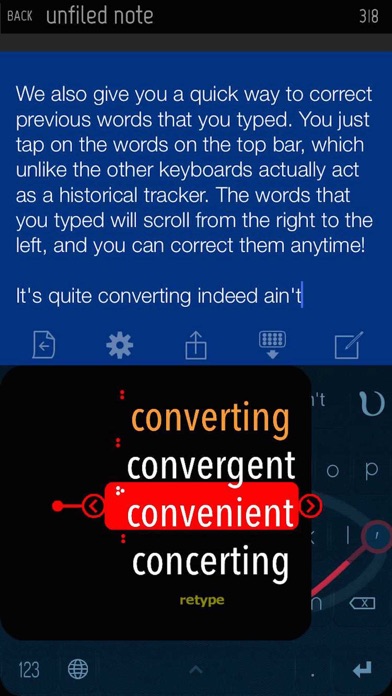
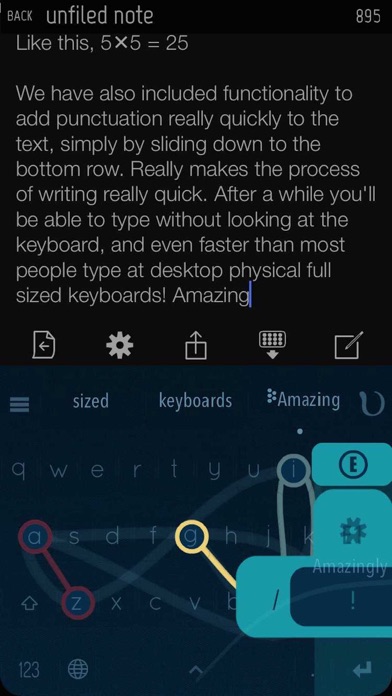
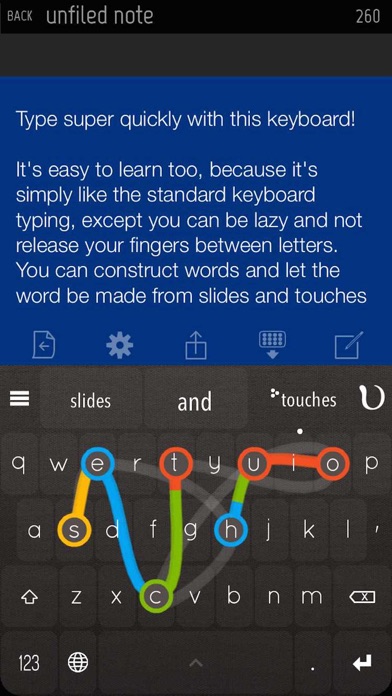
Nintype, as used by over 150k people! ----------------------- Transform your iPhone or iPad into a highly productive device where you can actually type relatively quickly with it - so writing emails, reports and articles are much nicer, because you can type faster on the iPad/iPhone than most people can on a desktop keyboard! This notes app comes with a 3rd party keyboard, which is most probably what you're after. Keyboard Features: - Two-Handed Sliding Keyboard - construct words with slides and taps - A top bar to correct previous words quickly - Slide left/right at the spacebar to move the cursor quickly - Backspace slide to quickly erase words - Edge slide shortcuts to quickly add punctuations - Quickpaste menu (press-hold caps) - Height / layout adjustment. Can split, align right, left, etc. - Flick autocomplete - Number pad layout quick access (slide right from the 123 button, at the bottom left) - Calculator which actually counts things - numbers ready to be inserted - Customizable theme - with a lot of presets - Autospace Mode (Automatically flushes in adjustable time, dynamic timing, new and improved! recommended for expert users) - Emojis! Press hold the topleft button at the topbar! - Emojify - type any english word (e.g happy), slide down from X, and select the emoji you want! Supported Languages: Priority Support - English Secondary Support - Danish, Dutch, French, German, Indonesian, Italian, Norwegian, Polish, Portuguese, Romanian, Spanish, Swedish Nintype App (A note-taking app) features: - Subfolders, unlimited depth too - Shortcuts System - Recent Notes History system - A Robust Archive system. - Quick Share Shortcuts
Screenshots