ShotWeb: Web to PDF
iWare Inc.

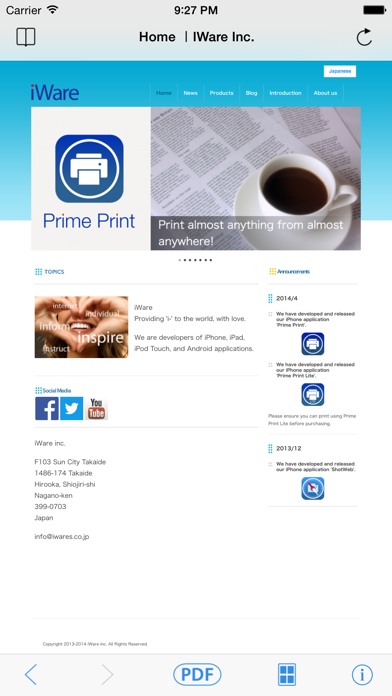
ShotWeb converts web pages to a PDF file. You can even turn an entire web page such as the Twitter timeline or recipes into a PDF file. There are two PDF layouts available: "Print layout" and "Display layout". - Print Layout Place a large web page onto a single sheet. It can put the contents of about 9 web pages in one A4 page. It provides you a comfortable reading layout when printed out and saves paper. -Display Layout It converts the web page into a single page PDF without splitting. There are no page breaks when reading on iPhone. Once you create a PDF file, you cannot only save the contents but also use AirDrop to share or send by mail in iOS. The converted PDFs: - can be viewed with iBooks and other readers. - can be printed out with a decent layout. - can be read even if you are offline or have weak connection. No hustle to read Web pages. - provide you web pages to read even with the Wi-Fi only iPad when you are not connected. Of course, you can copy and paste the sentences on a PDF. PDF files will be saved in ShotWeb, however they can also be opened with external apps by using the iOS features.
Screenshots