Musk MIDI Player
Dr. Garbers Softwareentwicklung

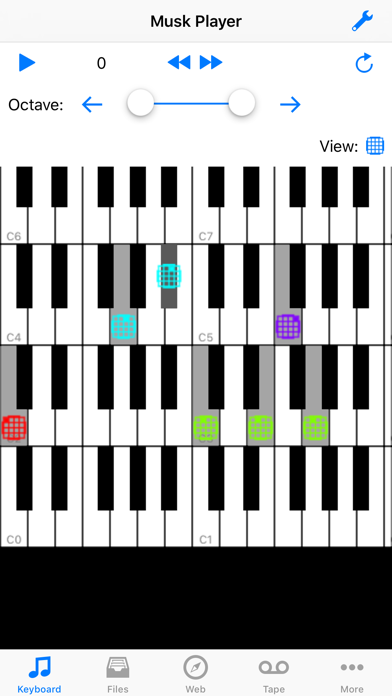
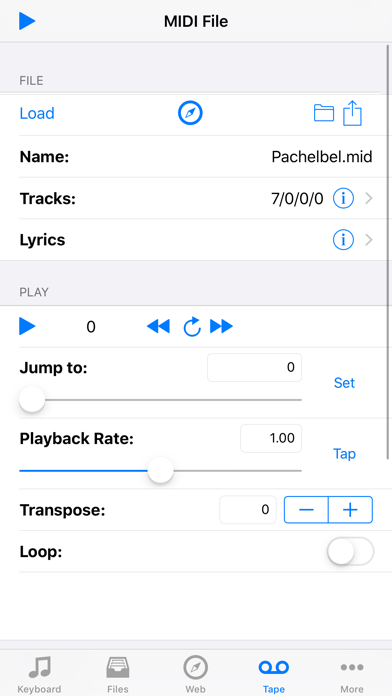
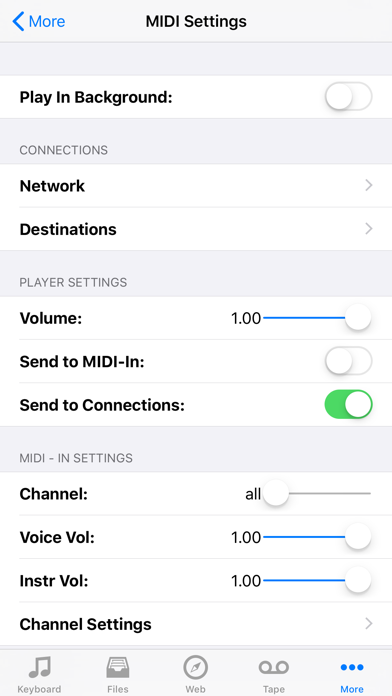
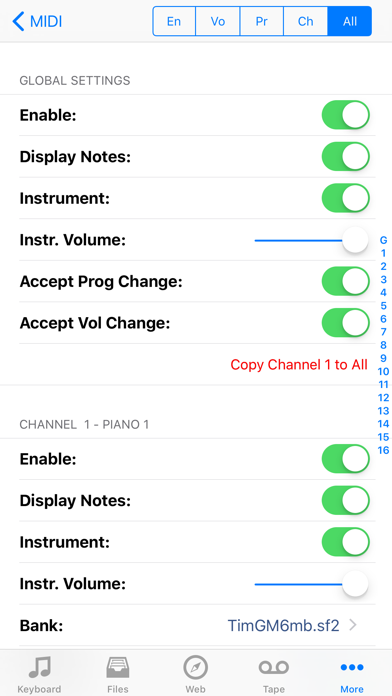
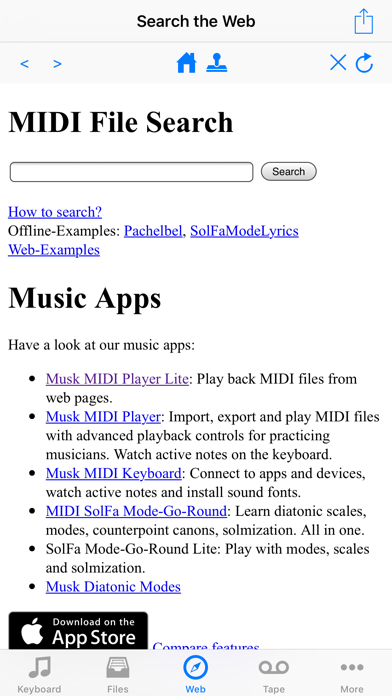
Musk MIDI Player: Your instant MIDI player - just add sounds and MIDI files! * Load any MIDI file and sound library (a small General MIDI sound font is included) * You can search the web for MIDI files and download. * Play MIDI files up to 8 times slower or faster * Transpose MIDI files. * Follow the MIDI notes on the keyboard and distinguish different MIDI channels * Read along the lyrics * Let the app speak the lyrics during playback * Let the app announce the bar and beat numbers. So you can easier follow the notes in a printed score. * Mute or solo tracks or use them to navigate * Use automatic sound switching or customize the sound associated with each MIDI channel. * Mix with the original sound. (Deactivated on iOS14, reactivated on iOS15) Integrated web search: * Use the built-in web browser to search for MIDI files on the web. * The browser highlights MIDI (.mid, .midi) and Karaoke (.kar) links. * Downloaded files play back immediately. Navigation: * Jump to a specific position using a slider * To jump back to that position using the repeat button * Jump to the position of certain meta-events (lyrics, markers, time signature, key signature and tempo changes) Supported file formats and extensions: * MIDI (mid, midi) * MIDI karaoke (kar) * Sound fonts (sf2) * Downloadable Sounds (dls) * Logic Pro EXS-24 instrument files (exs) * Audio Unit Presets (aupreset) * Zip files (zip) Importing files via: * ITunes: transmission via Mac or PC * ICloud: synchronizes the data on all your Apple devices. (Network connection required) * Other Apps from the manufacturer this app: All of his apps access to the same iCloud directory. (No network connection required) * Safari: search for a website that offers SoundFonts. Click on the file. Wait until it is downloaded. Then select this app in the "Open In" dialog. * Mail: Select the attachment and select this app in the "Open In" dialog. * Other apps: use the "Open In" dialog. (Dropbox, Google Drive, SkyDrive) Inter-App-Audio, Audiobus and Core-MIDI support: You can use the audio output of this app in other apps: * Record the mixed-down audio output in Garageband, AudioShare or other apps. * Add sound effects in GarageBand, VoiceSynth or other apps. * Use this App as a MIDI-Generator in Audiobus or in apps that can receive Core-MIDI notes. Limitations: * Speech output can not be sent to other apps. * Which app combinations are possible depends on Your hardware and Your sound fonts. * Playing MIDI files with many notes per second can push older devices to their limits. When you hear a scraping noise, try lowering the playback rate. Have fun!
Screenshots