CityUHK Mobile
City University of Hong Kong

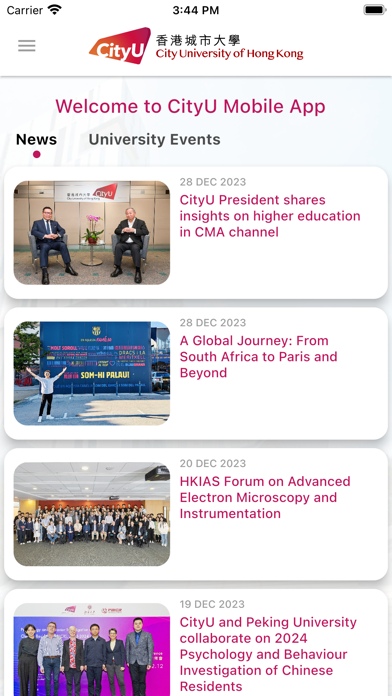
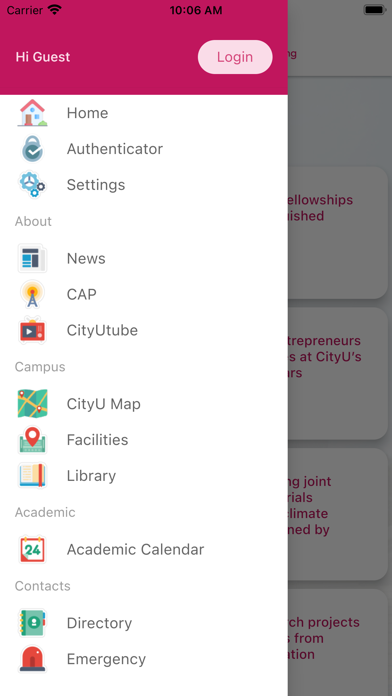
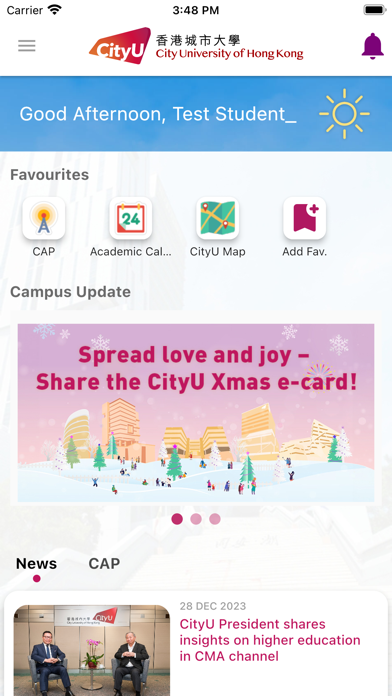
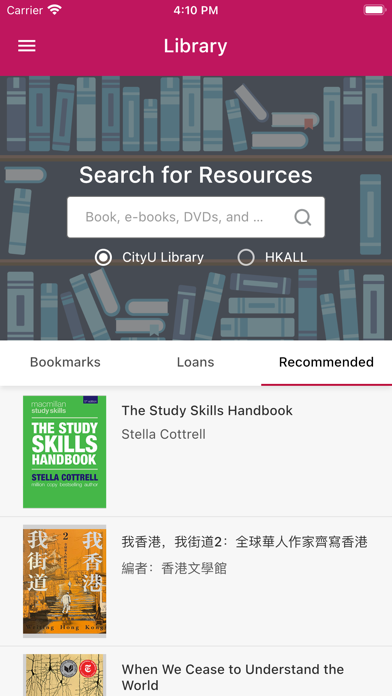
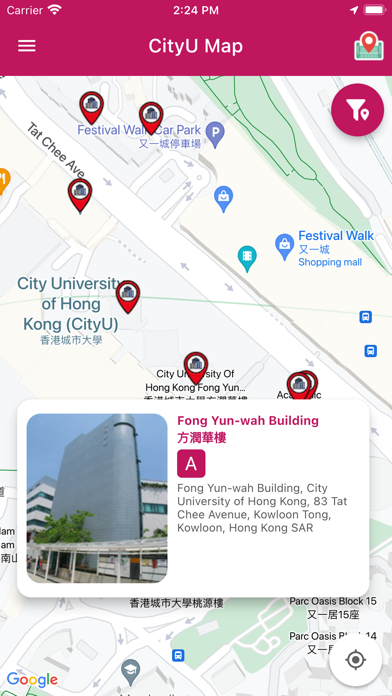
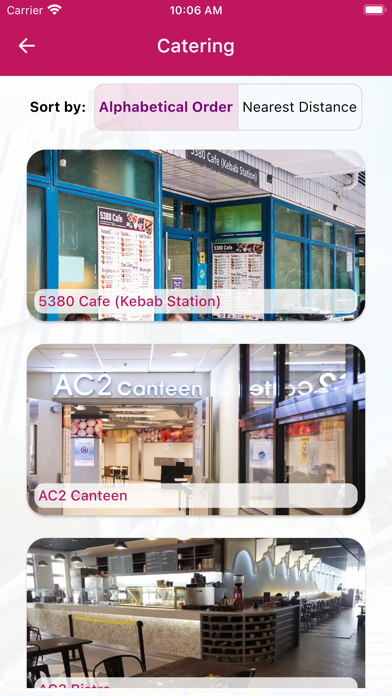
CityUHK Mobile is an official City University of Hong Kong mobile app developed by CityUHK IT Services. Being one of the top rated University apps in Hong Kong, CityUHK Mobile provides a convenient platform for CityUHK staff, students and visitors to access important information about the University. Major features include: News - Follow what's happening at City University of Hong Kong CAP - Check out the latest events from CityUHK Announcement Portal (CAP) Staff Directory - Search for academic and administrative staff's contact information Academic Calendar, Class and Exam Schedule - Download key dates, your class and exam schedule for offline viewing Catering - Look for food inside and around the campus with opening hours, phone numbers and suggested routes Places - Look for directions to buildings, offices, lecture theatres, facilities, venues, etc - Enjoy a virtual tour with CityUHK Tour Room Availability - Look for classrooms, study rooms functional rooms available for booking Library - Search in Library Catalogue for books and electronic resources - Bookmark resources to track availability Medical Clinic - Make medical appointments - Get tickets for on-day consultation Leaves - Apply for Annual Leaves - Apply for Sick Leaves - View the Departmental Leave Summary CRESDA - Apply and view activities - View the activities summary Grade Report - Show the grade report Emergency Contact - 1-tap dial to ask for help in case of any emergencies More features will be released in the future, feedbacks and feature suggestions are welcome at http://go.cityu.hk/mobilefeedback
Screenshots