Speed Dial XL: Big Photo Call
Klaus Schöffmann

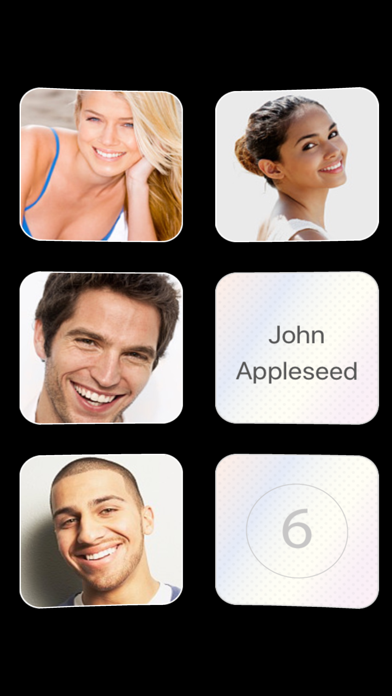
Call the people who matter with one tap on a large photo - no searching, no typing, no confusion. Quick Fav Dial XL shows your favorite contacts as extra large photo buttons. It is made for elderly people, people with visual impairments, and kids: the buttons are big, the actions are simple, and a caregiver can set everything up once and lock it. WHAT IT DOES • One tap on a photo calls the person - or opens WhatsApp or Signal, if you prefer. • Choose what each tap does: call, message, WhatsApp, Signal, email or FaceTime (single, double, triple tap and more — or switch on "Single tap only" and get a simple menu instead). • Uses the contacts of your iPhone automatically — names, photos and numbers stay up to date, nothing to enter twice. • "Lock layout": relatives set up the wall, then lock it so nothing can be deleted or moved by accident. • Positions per screen from 1 extra large photo up to 44 - also in landscape. • Assign a single action to a position, e.g. "always WhatsApp Grandma". For smaller buttons and many more contacts per screen, check out the regular version of Quick Fav Dial.
Screenshots