BG Color
y-design

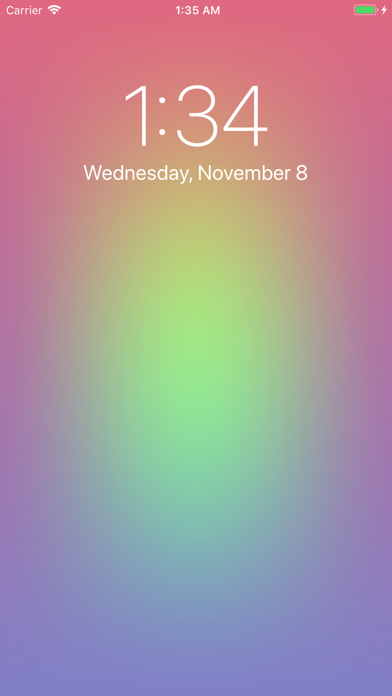
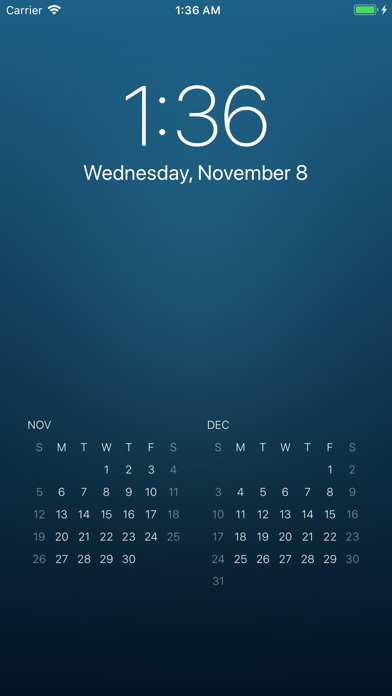
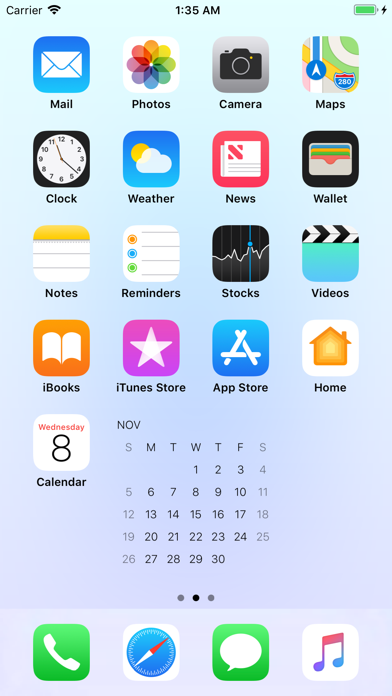
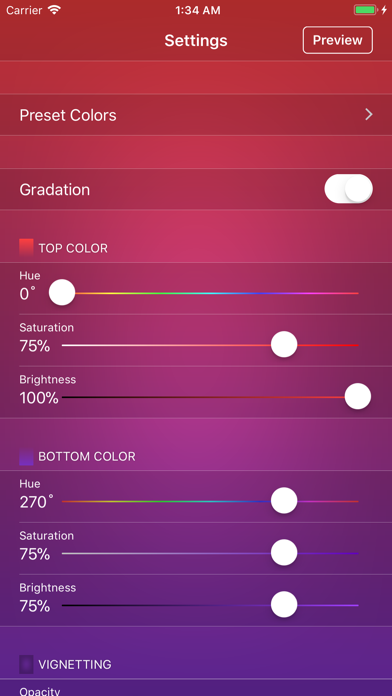
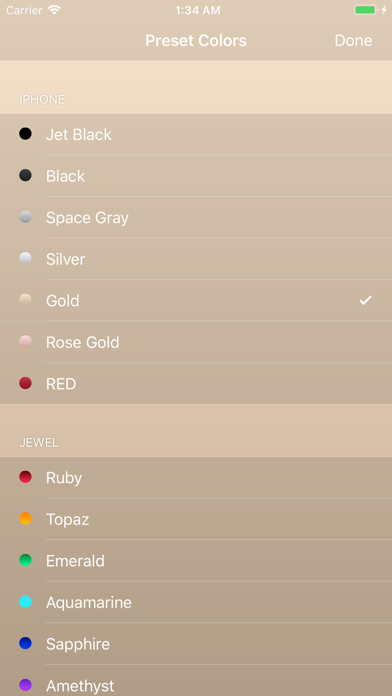
Create beautiful wallpapers with 40 preset colors and customizable color settings. Add a calendar for up to two months to your Lock Screen or Home Screen. [Settings] ● Preset Colors Choose from 40 preset colors in six categories: iPhone, Jewel, Sky, Season, Nature, and Solar System. ● Gradient Turn on the gradient to blend colors from top to bottom. Turn it off to use a solid color. ● Top and Bottom Colors Set the colors using hue, saturation, and brightness. ● Vignette Set the color of the edge shading using opacity, hue, saturation, and brightness. ● Calendar Choose the calendar duration (one or two months) and color (light or dark). [Preview] ● Preview Tap the Preview button in the upper-right corner of the settings screen to see how the wallpaper looks on your Lock Screen or Home Screen. ● Save Wallpaper Tap the preview to save the wallpaper to Photos. ● Set Wallpaper Set the wallpaper from the iPhone’s Settings > Wallpaper > Choose a New Wallpaper > Photos, or from the Photos app.
Screenshots