Heart Rate Counter
y-design

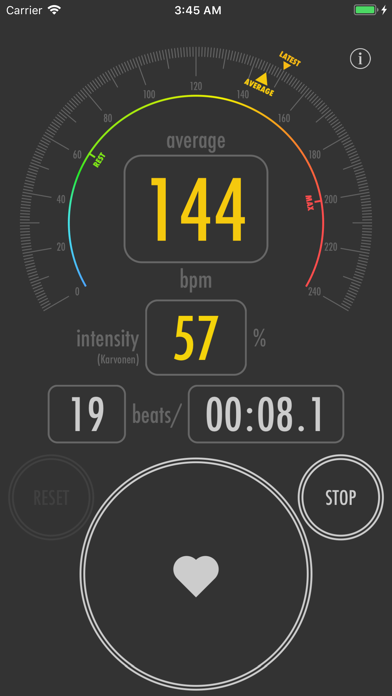
This app makes it easy to measure your heart rate. After tapping the Start button, tap the Heart button once for each beat. Your average heart rate will appear in the top panel, while the heart rate for your most recent beat will appear in the second panel. When measuring exercise intensity (optional), the screen darkens and the exercise intensity is shown in the second panel. Karvonen method: Exercise intensity is calculated with your resting heart rate as 0% and maximum heart rate as 100%. Zero-to-peak method: Exercise intensity is calculated with 0 bpm as 0% and maximum heart rate as 100%. *The default resting and maximum heart-rate values calculated from age and gender are estimates only. Appropriate values vary by individual.
Screenshots