VideoSound - Music to Video
Bits&Coffee

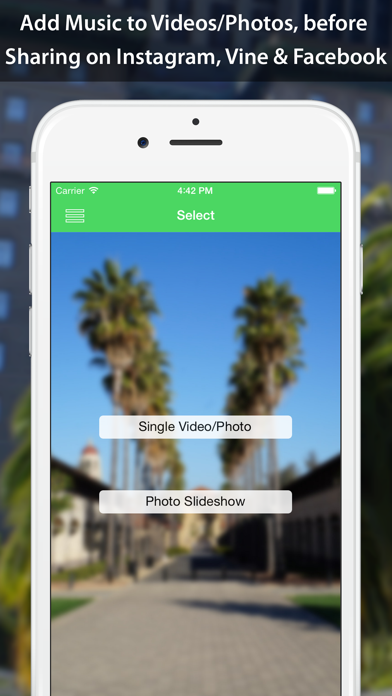
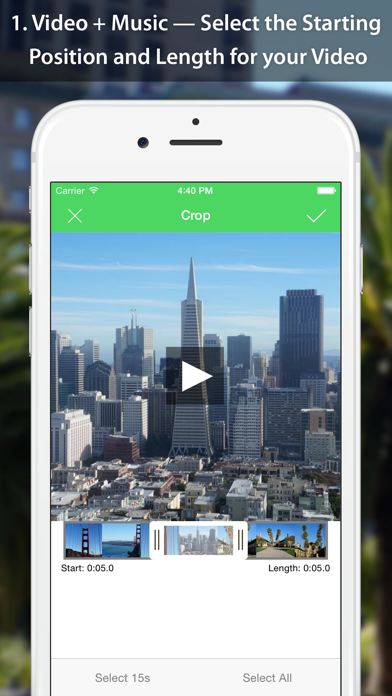
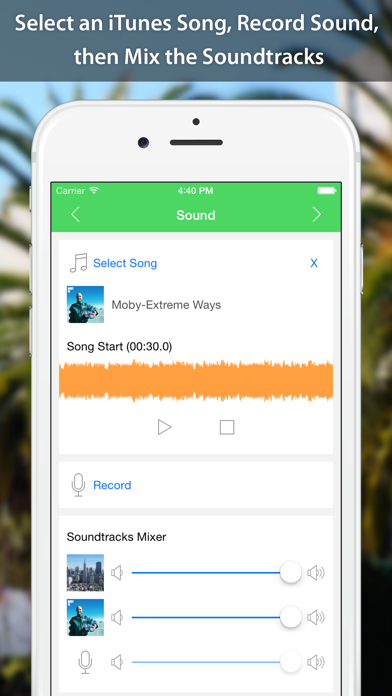
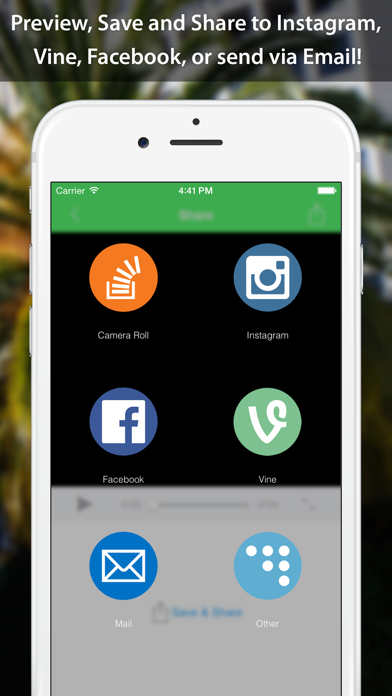
"Forget uploading boring old videos and images; now’s the time to start laying down your own background audio and making things a bit more interesting!" — appPicker - http://bit.ly/vsnrev Highlight your memories with your favorite songs and let your friends wonder how you did it. Let VideoSound be your secret weapon for creating memorable Instagram, Facebook, and YouTube videos! With VideoSound you can: 1. Add music from iTunes to your videos (one at a time); 2. Attach a song to a single photo and create a photo with music; 3. Create a photo slideshow with dozens of photos and music (in-app purchase). Your resulting videos can then be shared on Instagram,Facebook or sent via Email with a few taps! Bits and Pieces • Mix the Original Video's Soundtrack with Music and a Sound Recording • Preserve the Quality and Aspect Ratio of the Original Video • Photo with Music - Create a Video from a Photo plus a Soundtrack • Photo Slideshow - Create a Slideshow with Music from Your Photos (Pro version) • New beautiful Dark theme! • Share on Instagram, Facebook, or Send via Email • Select the Starting Position and Length for your Video • Option to Select Full HD, HD or VGA Resolution for the Resulting Video • Option to Select the Resulting Video Speed (from 1/4x to 4x) • Individual Volumes for Each Soundtrack • Record Sound with a Built-In Sound Recorder Tool • Select the Starting Position for Your Songs • The Option of Choosing the Cropping Rectangle Position, when Selecting a Photo • Audio Fade-In/Out Effect
Screenshots