zcode connect
Foshan Zifuhuan Technology Co., Ltd.

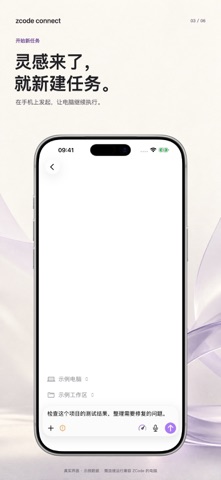
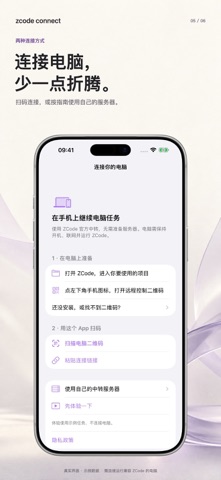
Keep your desktop development tasks within reach on iPhone and iPad. zcode connect is an independently developed companion for the ZCode desktop application. It is not an official ZCode app. A compatible desktop installation running on your own computer is required. The current app interface is primarily in Simplified Chinese. FOLLOW YOUR WORK Browse workspaces and tasks. Read conversations, tool activity, and file changes. CONTINUE A CONVERSATION Send follow-up messages, create tasks, and respond to supported approval requests. Models and service accounts are configured on your computer; any associated charges are handled by those services. CHOOSE HOW TO CONNECT Use ZCode's built-in connection service and follow the in-app instructions to scan or paste your computer's connection link. No self-hosted relay server is required for this route. For your own server, export the included developer kit and adapt it to your environment with your AI agent. TRY THE INTERFACE An offline demo is available before pairing. Its sample data does not connect to your computer. REQUIREMENTS AND LIMITS Requires iOS 26 or iPadOS 26 or later. Your computer must stay awake, online, and running compatible desktop software. Available features depend on its version and configuration. Completion alerts require timely receipt of task events and are not guaranteed when the app is suspended or closed. No advertising or cross-app tracking.
Screenshots