DualViewSimple
Martin-Mattias Tarkus

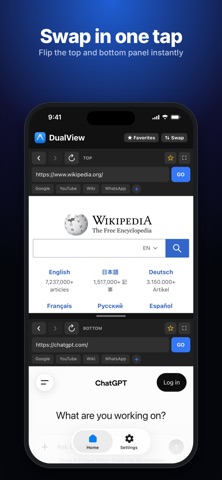
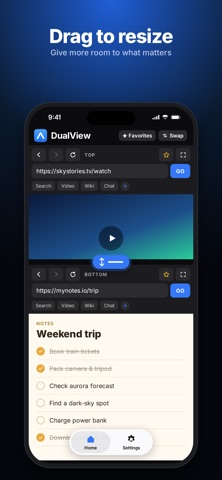
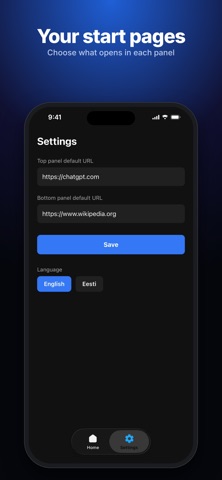
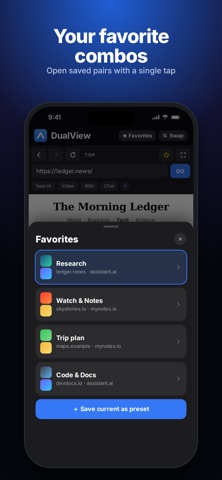
DualView lets you browse two websites at once, side by side — no more switching tabs or juggling split-screen gestures. FEATURES • Dual browsing — two independent web panels, each with its own back/forward/reload and address bar • Drag-to-resize — grab the divider and adjust the split exactly how you want it • Fullscreen toggle — expand either panel to fill the screen with one tap, then snap back • Swap — instantly trade what's loaded top and bottom • Presets — save your favorite sites as quick-access buttons, shared across both panels • Favorites — star any page to save it for later, from either panel • Remembers your layout — your pages and split ratio are restored automatically next time you open the app • Landscape support — panels switch to side-by-side automatically when you rotate your device • Multi-language — available in English and Eesti (Estonian) Whether you're comparing information across two sources, keeping a reference open while you work, or just want two web pages open without leaving one app, DualView keeps them both in view at the same time.
Screenshots