TOTP Authenticator: 2FA
COGNIFLY LTD

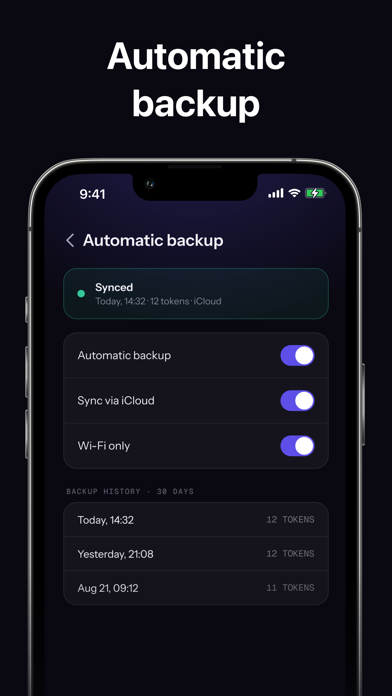
Need to sign in to a government or public-service portal that asks for a 6-digit code from an authenticator app? This is exactly the app for it. Scan the QR code the portal shows you and you're done — your codes keep working even with no connection and no mobile signal. Two-factor codes, generated on your iPhone and nowhere else. · Add accounts by QR code, screenshot, or typing the key · One tap to copy a code · Search and group your accounts · Face ID lock · Codes hidden until you tap them · Clipboard clears itself · Encrypted vault on the device · Free encrypted backup and restore · Works fully offline Authenticator Plus · Automatic backup after every change · 30 days of backup history · iCloud backup between your devices Codes are always free. Privacy policy: https://season-enquiry-c38.notion.site/Privacy-Policy-3c7d703e827a8044a25ff6b56bfb745e Terms of use: https://season-enquiry-c38.notion.site/Terms-of-Use-3c7d703e827a809da80fdb565adb9f4d
Screenshots