Offline Music Center: MixSound
缤慧 阳

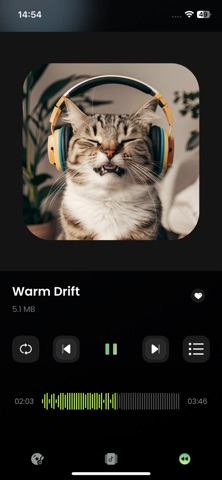
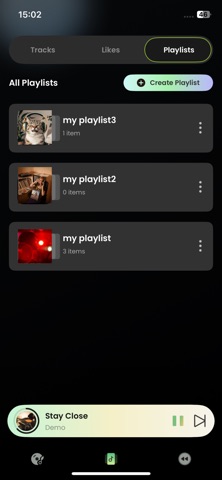
MixSound is a simple offline music app for working with local audio files. Import two songs from your device, assign them as a vocal track and a background track, and combine them into one mixed audio track directly in the app. Mix Two Audio Tracks Import two local audio files and combine them into one track. Use one as the vocal track and the other as background audio. After mixing, choose the full song, a 30-second clip, or a 45-second clip. Preview and save the result directly on your device. Import Local Audio Add audio files stored on your device and work with your own music collection without requiring an internet connection. Create Custom Playlists Organize your saved mixes and audio clips into custom playlists and keep your tracks easy to find. Simple to Use A clean and straightforward interface makes it easy to import, mix, edit, and save audio without complicated steps. MixSound gives you a simple way to combine local audio, save selected clips, and organize your music in one place.
Screenshots