Roro Vision: AI Magnifier
Alexandre Khalife

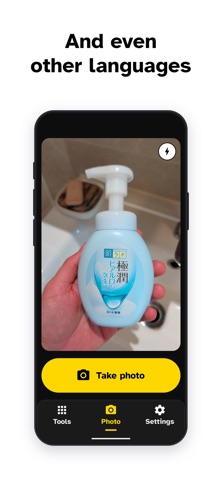
HOW TO USE RORO: 1. Take a photo of what you want to read or understand. 2. Ask your question out loud. 3. Roro answers and explains everything to you orally. If you want to gain more independence, Roro helps you more simply and quickly than anything you have tried before. No need to buy complex or expensive medical equipment: Roro turns the phone you already have into an intelligent visual assistant. Prescriptions, administrative documents, medication packaging, restaurant menus, and more: Roro reads text for you, describes your surroundings, and answers all your questions. WHY CHOOSE RORO? - Simple and intuitive: Designed to be used effortlessly. - Always listening: An artificial intelligence that adapts to your specific needs. - Human-centered: Have a question or facing an issue? Email us at support@roro.vision—we personally read and respond to every message. Your first uses are on us, allowing you to test the app with complete peace of mind. A subscription is required to continue afterwards. Terms of Service: https://roro.vision/legal/terms?lang=en Privacy Policy: https://roro.vision/legal/privacy?lang=en
Screenshots