Pencil Sketch Photo Editor +
Tue Nguyen Minh

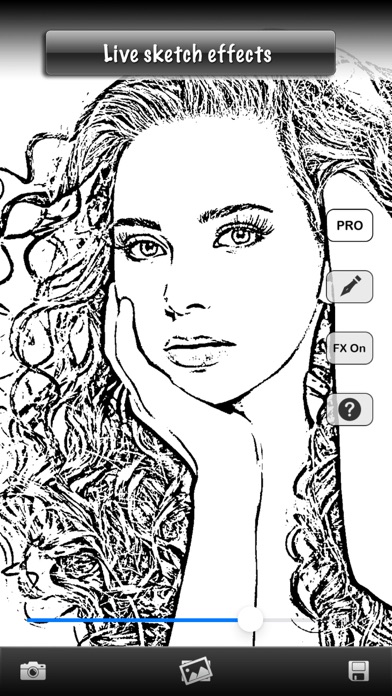
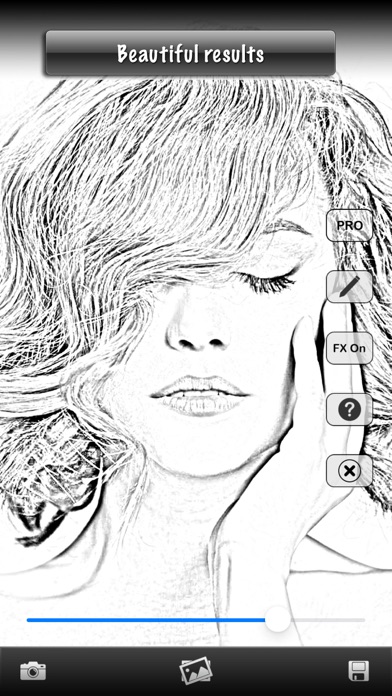
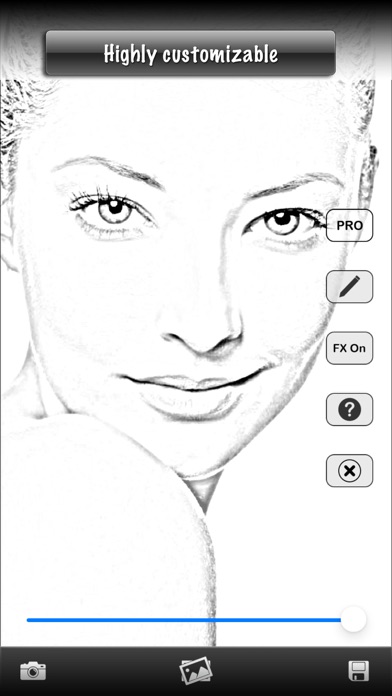
Turn everyday moments into beautiful sketches. Give your photos a hand-drawn look with Pencil Sketch. Choose between Pen and Pencil styles, then adjust the intensity to create the look you love. Try both styles on the built-in demo image for free. Experiment with the effects and save your demo results without a watermark. Upgrade to Pro when you’re ready to create sketches from your own photos or use the live camera. TRY IT FOR FREE • Explore Pen and Pencil styles using the included demo image. • Adjust the intensity—each style remembers its own setting. • Save your edited demo image without a watermark. CREATE MORE WITH PRO • Edit your own photos (Pro Required) Choose a picture from your photo library and turn it into a sketch. • Preview sketches with the live camera (Pro Required) See the effect as you frame your shot, switch between front and rear cameras, and capture the result. • Make each sketch your own (Pro Required) Choose Pen for a bold ink look or Pencil for softer shading, then fine-tune the intensity. • Save your creations (Pro Required) Save watermark-free results to your photo library. For best results, start with a clear, well-lit photo. Download Pencil Sketch and discover your favorite look. Terms Of Use: https://www.apple.com/legal/internet-services/itunes/dev/stdeula/
Screenshots