How to Draw Anime: AR Draw
Kebira Tahaddi

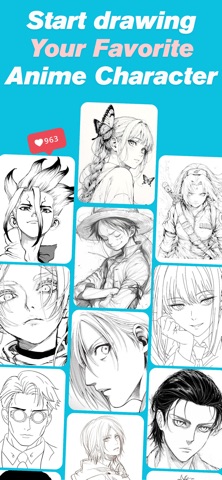
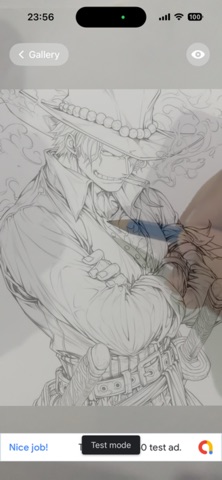
Learn to draw anime with the most powerful drawing projector for iPhone. Trace anime characters, import your own photos, and improve your drawing skills using your camera. Turn your iPhone into a powerful drawing projector and trace your favorite anime characters with ease. Whether you're a beginner or an experienced artist, Anime Drawing Projector helps you improve your drawing skills using your device's camera and a professional tracing overlay. Features • 1000+ Anime Drawings • Camera Drawing Projector • Import Photos • Adjustable Transparency • Grid Overlay • Lock Image Position • Black & White Mode • Zoom & Pan • Simple & Fast Interface • Step-by-Step Drawing Lessons • Daily Drawing Reminder Perfect For • Learning anime drawing • Manga sketching • Character design • Drawing practice • Line art • Art students • Beginners How It Works Choose an anime drawing or import your own image. Place paper under your phone. Adjust the overlay. Trace the image. Improve every day. Whether you're drawing anime eyes, faces, poses, or complete characters, Anime Drawing Projector makes learning fun and easy. Download today and start creating amazing anime artwork.
Screenshots