HTML Previewer
SHIFENG ZHANG

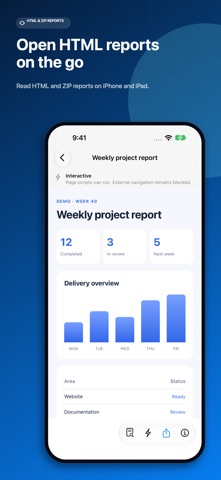
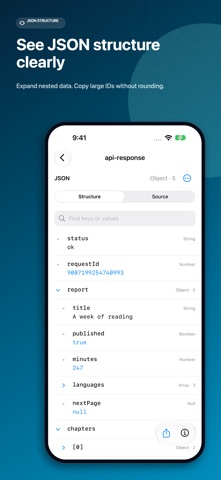
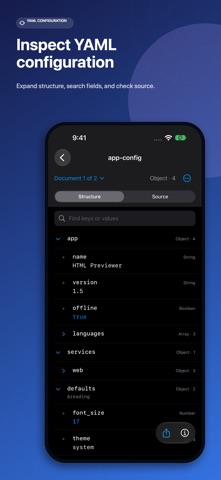
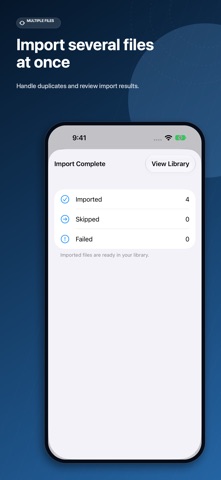
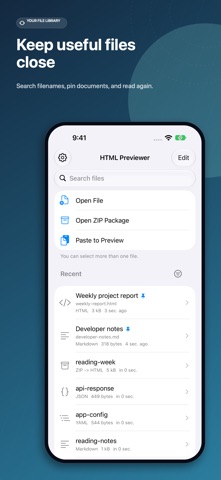
Open received HTML and ZIP reports, read Markdown notes, and inspect JSON or YAML on iPhone and iPad. Files are processed on your device. Read the content, keep the formatting - View HTML layouts, graphics, and animations. - Read Markdown tables and highlighted code, with one-tap code copying. - Display Markdown math equations and Mermaid diagrams offline. - Browse HTML and Markdown pages inside ZIP reports with local CSS and image assets. - Search within HTML and Markdown, navigate headings, adjust reading appearance, and reopen at your saved reading position. Inspect JSON and YAML - Expand nested objects and arrays, search fields and values, and check highlighted source with line numbers. - Copy values or field paths and jump to the corresponding source line. - View and copy large JSON numeric IDs without rounding their digits. - Locate syntax errors by line and column. YAML also supports multiple documents. Import, organize, and share - Open files from Files, Mail, AirDrop, messaging apps, cloud drives, or other apps. Open/share menu availability depends on iOS and the source app. - Select multiple documents or ZIP packages. Update duplicates, keep both copies, or skip individual files, then review import results. - Paste HTML, Markdown, JSON, or YAML text to create a local preview. - Find saved files by filename, pin frequent documents, and rename display titles. - Share original files or complete ZIP packages. Export HTML and Markdown previews as PDF. - Try the built-in HTML, Markdown, JSON, YAML, and ZIP samples. Supported extensions: .html, .htm, .md, .markdown, .json, .yaml, .yml, and .zip. JSON and YAML previews are read-only and share the original file. JSONC comments and trailing commas are not supported. PDF export is available for HTML and Markdown. Privacy and purchase Files are processed on device; the app does not upload your files. No account or ads. Paid download with no subscription or in-app purchase. New HTML files, including HTML inside ZIP packages, open in Interactive mode with page JavaScript and external resources enabled. The HTML content can make network requests. Select Safe Preview to block page scripts and external HTTP/HTTPS resources. External navigation and form navigation remain blocked in both modes. Saved preview choices are preserved when reopening files.
Screenshots