App Folder Launcher WidgetLoft
Mucahit KOKDEMIR

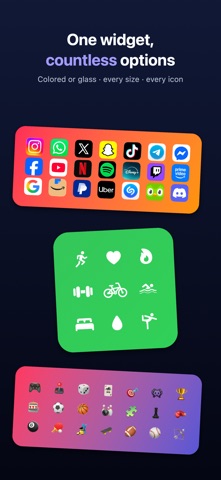
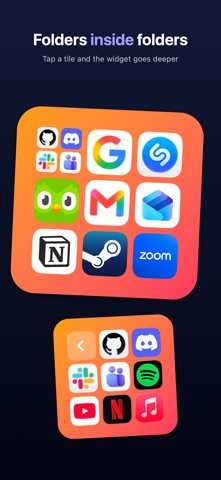
WidgetLoft sorts your apps into colorful folders and launches them with one tap from a Home Screen or Lock Screen widget: no more swiping through pages of icons. KEY FEATURES • Widgets. Home Screen, Lock Screen and Dynamic Island; small, medium and large sizes. • Transparent or Colored. Glass look or your own color; dark/light icons, optional names under icons. • Folder in Folder. Tap a folder in the widget to open what's inside. • Every Kind of Tile. App, website, Shortcut, person (call, message, WhatsApp, Telegram) and custom link. • Notification Dot. A red dot on the tile of any app that gets a notification (iOS 27). • Icon Studio. Custom icons from a photo, symbol, emoji or monogram; real app icons. • Tags and Library. Tag, filter and archive your apps. • Backup. Export your whole layout to a single file; iCloud sync between iPhone and iPad. Privacy Policy: https://mucahitk.com/widgetloft/privacy-policy Terms of Use: https://mucahitk.com/widgetloft/terms-of-use
Screenshots