Minpick
Makoto Fukuoka

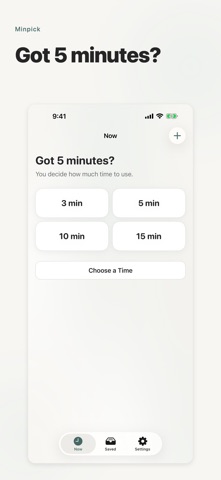
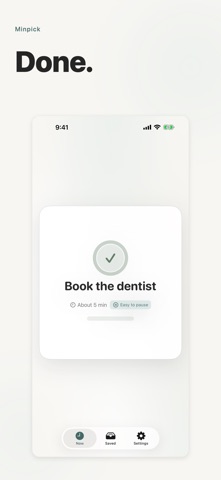
You had five minutes. You had things to do. But the five minutes disappeared while you were deciding what to start. Then another small pocket of time came, and choosing still took longer than starting. It was not because there was nothing to do. There was too much to choose from. I used to be there too. That is why I made Minpick—not to make you work harder, but to shorten the part where you have to decide. Save something you want to do later and roughly how many minutes it takes. When you have 3 minutes, choose 3. When you have 5, choose 5. When you have 10, choose 10. Minpick shows up to three tasks that should fit. You do not have to scan a long to-do list again. If you want to narrow things down, use category or priority—for example, only work, or only tasks with medium or high priority. You can choose a time from the Home Screen widget. If a nudge helps, set a reminder for a day and time. You can switch languages in the app, and VoiceOver and Dynamic Type are supported. If you want to stop, stop. If today is a day to rest, rest. You do not have to turn every free minute into output, and you do not have to open Minpick every time. Next time a few minutes open up and you have things to do but cannot decide what to start, open Minpick then. I did not make it to push you harder. I made it to make that deciding moment a little shorter. You still choose. No account is required. Your saved tasks stay on your device. There are no ads, subscriptions, or in-app purchases.
Screenshots