Cloud AI: Chatbot Al Assistant
ARIA TS LLC

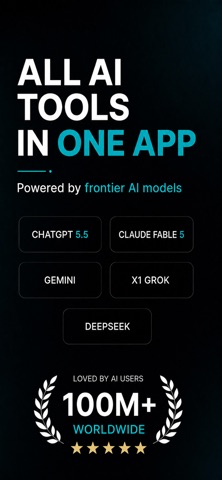
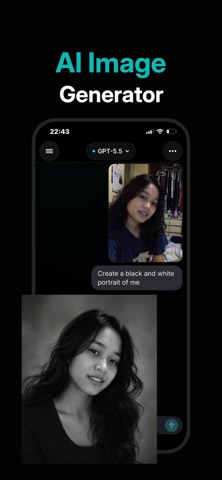
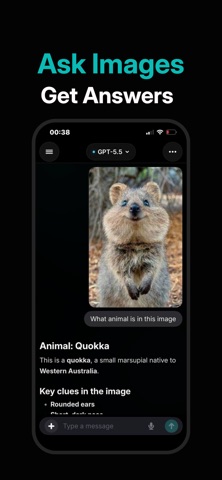
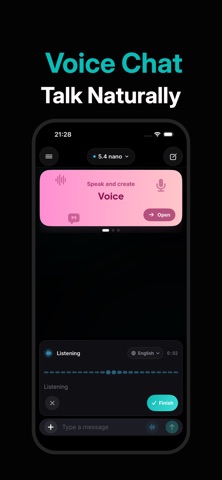
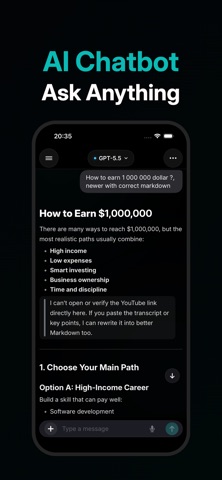
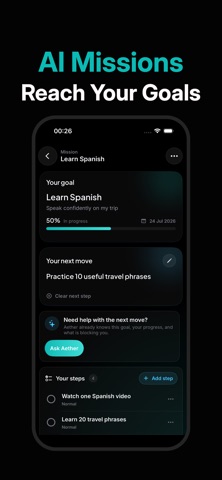
Your personal AI assistant, built to help you think, create, and get things done faster — all from one simple, elegant app. Ask anything and get clear, helpful answers in seconds. Whether you're writing, brainstorming, studying, planning, or just curious, your assistant is ready to help around the clock. What You Can Do • Chat naturally — Ask questions, get advice, write and rewrite text, summarize, translate, and more. • Create images — Turn your ideas into original pictures with a simple description, then refine them with quick follow‑up requests. • Analyze files — Upload documents and get instant summaries, explanations, and answers. • Understand images — Share a photo and ask about what's in it. • Search the web — Get up‑to‑date answers with live results when you need the latest information. • Talk, don't type — Use your voice to ask and create hands‑free. • Smart memory — Remembers useful context to keep your conversations flowing. • Choose your assistant — Pick from a range of powerful AI models to match your task. DESIGNED FOR EVERYONE From quick everyday questions to serious creative and productivity work, this app makes advanced AI simple and accessible. A clean, distraction‑free design keeps you focused on what matters. PRIVACY FIRST Your conversations stay yours. A private mode lets you chat without saving history whenever you want. Download today and experience a smarter, simpler way to get things done. Support: https://www.ariats.club/contact Privacy Policy: https://www.ariats.club/privacy Terms of Use: https://www.ariats.club/terms
Screenshots