Flux VPN: Smart Route
Samsonov Ivan Nikolaevich, IP

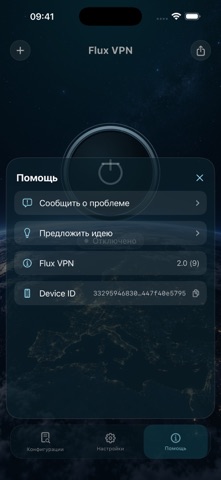
Flux VPN is a VPN client for iPhone and iPad that supports your own configurations and server lists. Import configurations from your provider or use free Flux configurations, which are updated every three days. No account is required to use the client. Add servers, choose locations, and manage your connection in one app. Features: • Import configurations from text, files, and QR codes. • Add and refresh server lists using an HTTPS link. • Support for WireGuard, AmneziaWG, VLESS Reality, Hysteria2, TUIC, Shadowsocks, and OpenVPN. • Choose a server and search by name or protocol. • Connect and disconnect with one tap. • Split routing: choose which websites and services use the VPN and which connect directly. • View connection status and data usage. • Light and dark themes and a choice of interface languages. • Contact client support within the app. Free Flux configurations On first launch, the client automatically adds available free Flux configurations. They are updated every three days. You can also import compatible configurations from other providers. Getting started: 1. Open the app and wait for the free Flux configurations to load, or add your own configuration or an HTTPS link to a server list. 2. Choose a server and tap Connect. 3. Allow iOS to add the VPN configuration when prompted. Server availability, speed, and validity periods depend on the provider and your network. Choose configuration sources you trust. Protocol compatibility depends on the configuration settings. VLESS XHTTP is not supported. Server lists can only be imported over HTTPS. Website rules use domain names; connections made directly to an IP address follow the general routing rule.
Screenshots