Quotify - Quotation & Invoice
WeiFang Chou

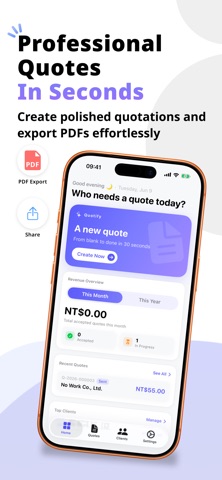
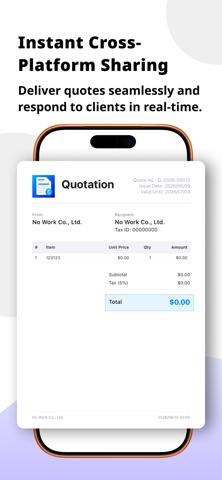
# Quotify — Quotation Maker Quotify is a modern quotation maker designed for freelancers, small businesses, studios, and professional service providers. Create professional quotations, manage customers and items, and export beautiful PDF documents in seconds. Whether you're a designer, developer, photographer, event planner, contractor, consultant, or anyone who needs to send professional quotations, Quotify helps you work faster and present your business more professionally. --- ## Features - Create professional quotations in minutes - Customize company information, logo, and branding - Support for multiple currencies and tax rates - Tax-inclusive and tax-exclusive calculations - Automatic calculation of totals, discounts, and taxes - Capture customer signatures and embed them into PDFs - Automatic quote numbering with customizable formats - Reusable item templates for faster quote creation - Export and share PDF quotations - Manage customers, products, and quotation history - Trash and quote recovery support - Clean and intuitive modern interface - Supports both iPhone and iPad --- ## Professional PDF Export - 10 professional PDF quotation styles - Real-time PDF preview - Multiple layouts and design themes - Optimized CJK font rendering - Perfect for design, consulting, engineering, and professional services --- ## Quotify Pro Upgrade to Quotify Pro to unlock: - Unlimited quotations - Unlimited customers and items - Custom company logo and branding - Access to all PDF styles and design themes - Early access to upcoming Pro features --- Start creating professional quotations today and streamline your workflow. Terms of Use: https://www.apple.com/legal/internet-services/itunes/dev/stdeula/
Screenshots