Video to MP3 Converter: mp3hz
Vikram Singh

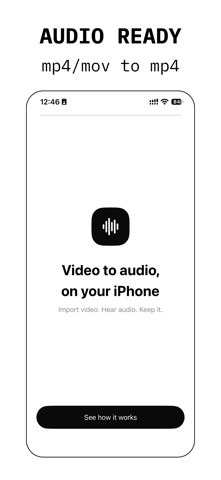
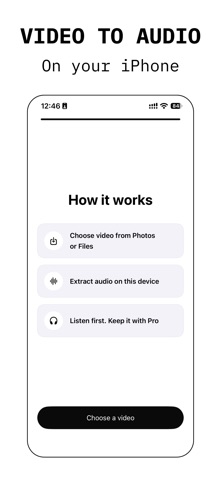
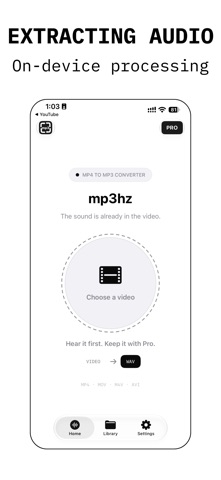
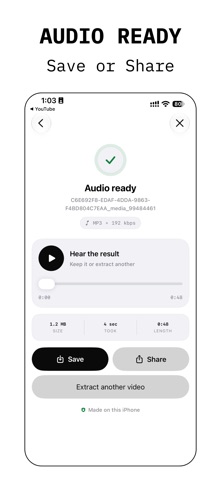
The sound you want is already in your video. mp3hz pulls it out. mp3hz is a video to MP3 converter built for iPhone. Choose a video, pick a format, and extract the audio in a few taps. Convert video to audio as MP3, M4A or WAV. No uploads. No account. No waiting on a server. HEAR IT BEFORE YOU PAY Every extraction plays right away. Scrub the waveform, check the exact moment, and decide if it's what you wanted. Subscribe to Pro only when you want to keep and share your audio. HOW IT WORKS 1. Choose a video from Photos or Files. 2. Pick MP3, M4A or WAV and set the quality. 3. Trim to the part you need. 4. Extract, play, and keep it with Pro. A VIDEO TO AUDIO CONVERTER TH Your videos never leave your uns on the iPhone itself. Private recordings stay priva THE FORMAT YOUR APPS EXPECT • MP3 at 128, 192 or 320 kbpsce, car stereo or editor. • M4A (AAC) at 128, 192 or 25 clean sound. • WAV, uncompressed. Full quaction. MORE THAN A VIDEO 2 MP3 TOOL • Audio file converter: impord convert. M4A to MP3 in a few taps. • MP4 and MOV video support, • Audio cutter: trim the starmeline before you extract. • Waveform player: play, pausto check the result. • Library: every extraction ie or delete. • On iOS 26, long extractions keep running in the background. Switch apps, come back to finished audio. • Open videos straight from other apps with the share menu. • Light and dark mode, Dynamirt. WHO USES A MEDIA CONVERTER LI • Musicians saving a song or rt clip. • Students turning recorded l commute. • Podcasters and creators pulling clean sound for their edits. • Anyone who wants the music o. WHAT PRO UNLOCKS Preview is open to everyone, ty first. Pro lets you keep what you make: • Save audio to the Files app • Share audio to your other aors, cloud storage. Choose Weekly or Yearly. Both. SUBSCRIPTION DETAILS mp3hz Pro is an auto-renewingly or yearly. Payment is charged to your Apple ID at che subscription renews automatically unless canceledthe end of the current period. Your account is charged for rore the end of the currentperiod. Manage or cancel anytime in your App Store account settings. Restore purchases anytime from Settin Terms of Use: https://www.appices/itunes/dev/stdeula/ Privacy Policy: https://1kbap Choose a video. Keep the soun
Screenshots