AirScreen: DLNA Receiver
Xu Wang

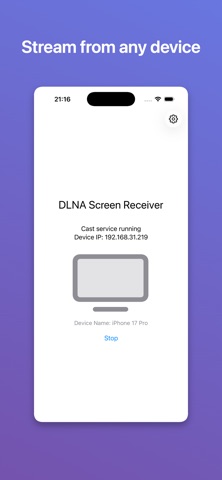
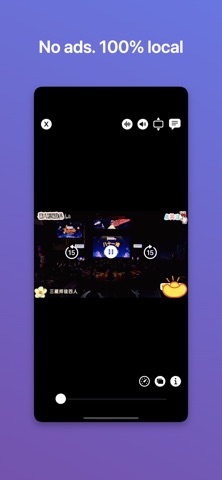
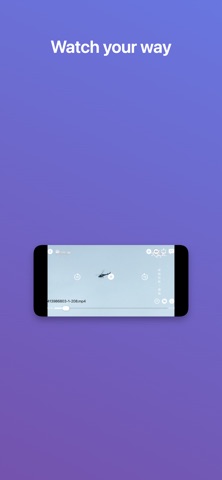
AirScreen turns your iPhone, iPad, or Mac into a DLNA receiver. One app, and it runs on iPhone, iPad, Mac, and Apple TV. With devices on the same Wi-Fi, use any DLNA-capable casting app on your phone, computer, or tablet to send video and music here and play it on this device. What you can do • Start or stop the receiver with one tap, so this device shows up in other devices' cast lists • Receive and play cast video and music, with FFmpeg-based decoding and wide format support • Control playback here: play, pause, seek • Background audio: music keeps playing after you leave the app • Switch subtitles and audio tracks, adjust subtitle delay, search subtitles online • Check playback details: resolution, bitrate, frame rate, dropped frames • Play History: the last 50 items, ready to reopen with one tap • Rename this device in Settings so it's easy to spot when casting How to use 1. Put this device and the sending device on the same Wi-Fi. 2. Open AirScreen, tap Start, and allow Local Network access when prompted. 3. On the other device, open a DLNA casting app, pick this device by name, then choose what to play. Technical note AirScreen uses SSDP and a local HTTP server for DLNA discovery and control. Media streams directly from the URL the sender provides; the app does not store or relay your content. Local Network permission is required for discovery and receiving casts. Privacy and data No account, no sign-in, no data collection. Settings such as the device name are stored only on this device and are never uploaded. No ads, no analytics, no third-party tracking. Questions or feedback? Use Contact Us in the app.
Screenshots