Delete Large Videos
OpsOh LLC

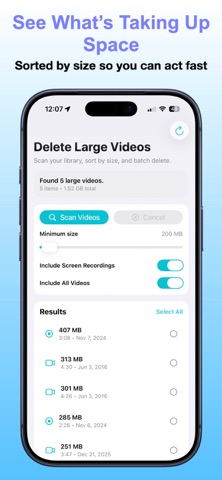
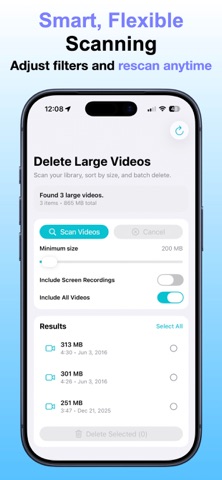
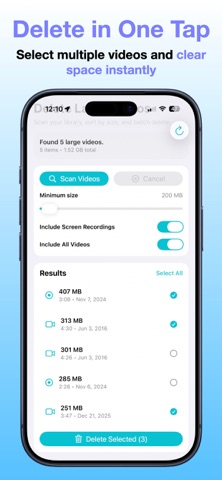
Free up iPhone storage by finding and deleting the videos taking up the most space. Delete Large Videos scans your Photos library, sorts large videos by file size, and helps you review exactly what you want to remove. No subscriptions. No accounts. Just a focused storage-cleanup tool. HOW IT WORKS • Choose a minimum file size • Scan regular videos, screen recordings, or both • See thumbnails, file sizes, durations, and dates • Find the largest videos automatically • Select multiple videos for deletion • Review the selected count and total size before continuing SMARTER iCLOUD SCANNING Find large videos without automatically downloading full video files from iCloud just to determine their size. Designed to avoid unnecessary storage usage during scanning, especially when your iPhone is running low on space. Some iCloud-only videos may not appear if their file sizes aren't available without downloading. PERFECT FOR FREEING UP SPACE BEFORE • Installing iOS updates • Recording new videos • Traveling • Creating backups • Any time your iPhone storage is running low Video scanning happens on your device. The app never uploads or shares your videos. Simple, private, and designed to help you reclaim storage with confidence.
Screenshots