Face Blur: Photo & Video
ZENBYTE DIJITAL TEKNOLOJILER LIMITED SIRKETI

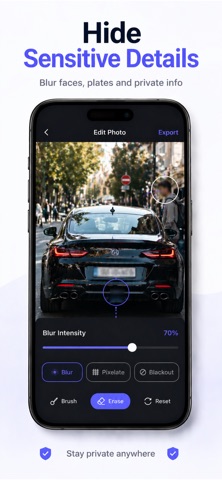
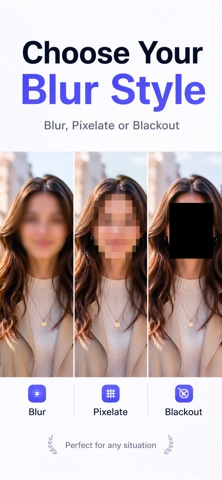
Blur faces in photos and videos in seconds — and protect your privacy right away. Face Blur Photo & Video is a simple and powerful privacy tool that lets you quickly hide faces and sensitive areas before you share content online. Whether you're posting on social media, sending a video to friends, or saving personal memories, this app makes blurring faces fast, clear, and stress-free. No complicated editors. No accounts. No uploads. Everything works directly on your device. How It Works Choose a photo or video Press and hold on a face to add instant blur Adjust the intensity, then save or share Key Features • Blur faces in photos • Blur faces in videos • Press and hold for instant blur • Smooth, natural-looking blur • Easily adjust blur intensity • Works fully offline • Clean and simple interface Privacy First All processing happens directly on your device. • No photos or videos are uploaded • No accounts required • No data collection Perfect For • Social media creators • Parents and families • Journalists and bloggers • Anyone who wants to protect their privacy Premium Features • Remove the watermark • Unlimited exports • Export in full photo and video quality Subscription Information Payment will be charged to your Apple ID account at confirmation of purchase. Your subscription automatically renews unless auto-renew is turned off at least 24 hours before the end of the current period. You can manage or cancel your subscription anytime in your App Store account settings. Protect your privacy with confidence. Blur faces before you share. Terms of Use: https://www.apple.com/legal/itunes/appstore/dev/stdeula/ Privacy Policy: https://www.emzirmetakibi.com/videoblur/privacy.html
Screenshots