Smart Video Saver Browser
Manish Thanki

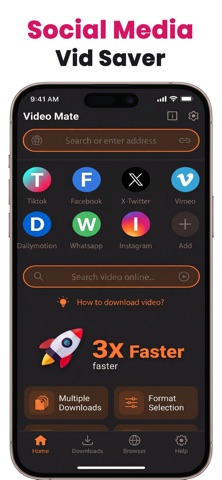
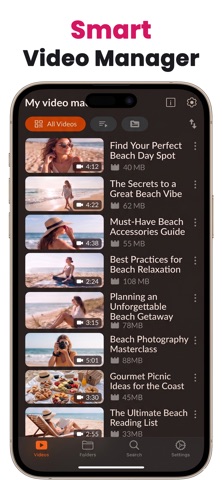
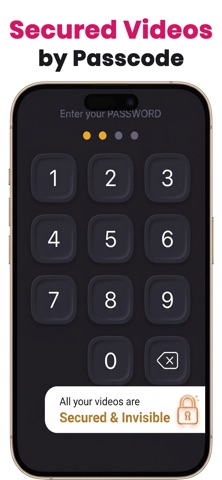
Smart Video Saver Browser – All-in-One Media Toolkit Save, organize, and edit your videos with powerful tools designed for everyday use. SAVE VIDEOS FOR OFFLINE VIEWING Download videos directly to your device and watch them anytime without internet access. FAST AND SECURE PERFORMANCE Experience smooth browsing and fast downloads with a lightweight and optimized engine. Save & Manage Videos • Save videos for offline viewing • Built-in private browser for easy media access • Organize your personal video library • Secure and private storage Video Editing Tools • Trim and cut videos with precision • Compress videos to reduce file size • Merge multiple clips into one video • Convert videos to high-quality GIFs Audio Tools • Remove audio from any video • Extract audio and save separately Simple & Fast • Clean and beginner-friendly interface • Smooth performance and quick export • High-quality video processing Perfect for creators, students, and everyday video needs. You can download Video Saver Browser & Video Tools app. Your videos — saved, organized, and ready anytime. LEGAL DISCLAIMER Smart Video Saver Browser is intended for saving and managing videos for personal use only. Users are responsible for ensuring they have the right to download, save, edit, or share any content. Downloading or storing copyrighted material without permission from the content owner may violate applicable laws. This app is not affiliated with, endorsed by, or associated with any social media platforms or video hosting services. Privacy policy : https://sites.google.com/view/privatevideosaver/PrivacyPolicy Terms of use : https://sites.google.com/view/privatevideosaver/termsconditions
Screenshots