Wayground for Teachers
Quizizz

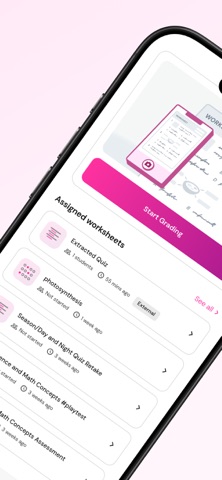
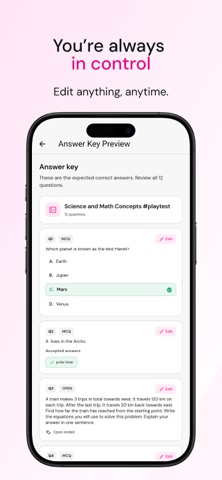
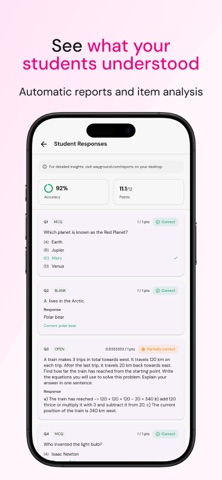
Wayground for Teachers: Scan & Grade in Seconds Grade student worksheets and bubble sheets in seconds with Wayground for Teachers App. Just photograph a completed sheet and let AI do the grading. Results sync straight to your Wayground reports. Grade a whole class, one scan at a time Start a grading session, then scan each student's worksheet or bubble sheet as you go. The app captures multi-page sheets in a single scan and even reads the student's name off the page for you to confirm. Every result is graded automatically and added to your class roster. Worksheets and bubble sheets Grade Wayground worksheets and bubble sheets, or bring your own printed worksheet. The app reads it, builds an answer key for you to review and edit, then grades every student against it. Pick up right where you left off All your grading sessions are saved and synced to your Wayground account. Reopen any recent session from the home screen, search your full session history, and keep scanning. See results instantly Review class accuracy and per-student scores right in the app. Tap any student to see their question by question responses. For full detailed reports, head to wayground.com on your desktop. How it works: 1. Sign in with your Wayground account 2. Choose Worksheet or Bubble Sheet and start a session 3. Photograph each student's completed sheet and confirm their name 4. AI grades it instantly, and results appear in your Wayground reports Sign in with Google, Apple, email, or by scanning a QR code from https://wayground.com/settings
Screenshots