Moza - Mosaic, Blur
Coffee Inc.

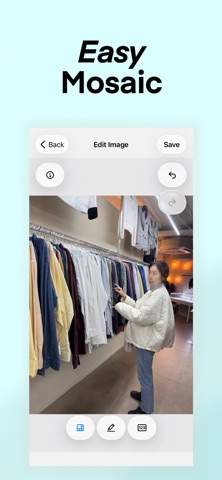
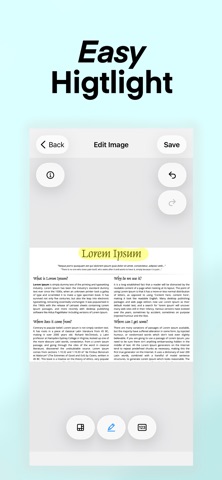
Detect faces on your device and mosaic all detected faces at once. Arrows, text, highlighter, and counters keep every edit clear. Nothing to learn. Just swipe. • Face Mosaic — Detect faces on your device and mosaic all detected faces at once • Mosaic — Instantly pixelate faces, license plates, and text with one swipe • Blur — Soften sensitive details naturally with one swipe • Highlighter — Emphasize what matters with semi-transparent yellow • Pen — Draw lines freely • Arrow — Point precisely with clean arrows • Auto Number — One tap, one number, in order (1, 2, 3...) • Rectangle — Frame areas for clear emphasis • Text — Tap the image to place text ◆ Photo Info at a Glance Check EXIF metadata with a single tap: camera model, date taken, GPS location, resolution, ISO, aperture, shutter speed, and more. ◆ Why MOZA? → Fast: Swipe, tap, done. Editing takes just seconds. → Precise: Pinch to zoom for detailed editing. → Safe: 100% on-device processing. Your photos never leave your device. → Everywhere: iPhone, iPad, and Mac. → No ads: Does anyone actually like ads? ◆ Perfect For Bug report screenshots • Step-by-step tutorials • Sharing photos with privacy • Quick feedback No login. No subscription. No ads.
Screenshots