Past Weather History: Eranorms
Yellowsquared LLC

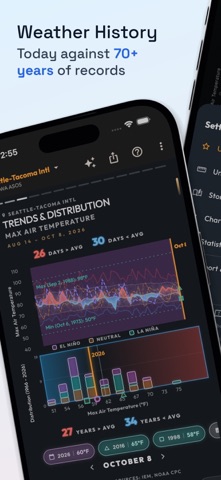
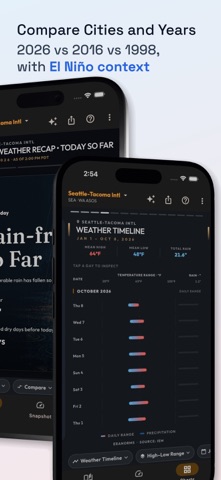
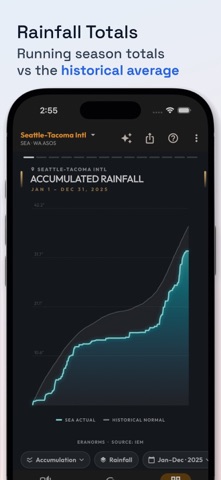
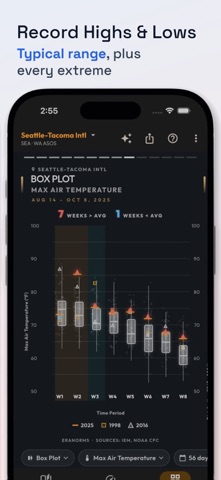
Tired of opening a weather app and still not knowing whether today is unusual? Eranorms is a historical climate companion for travelers, researchers, gardeners, and curious locals who want context instead of a bare forecast. Compare current conditions with decades of observations from local weather stations before you book a trip, move to a new city, or start a project outdoors. HOW IT WORKS 1. Pick a city or station. 2. Open Recap to see how today ranks against history. 3. Browse Charts: weather calendar, accumulation, wind rose, trends, distribution, climate stripes, and heatmaps. 4. Open Snapshot for the detailed numbers behind the day. 5. Compare another city or another year, then export what you find. KEY FEATURES • 70+ years of historical weather data • Weather calendar with every day color-coded by temperature • Seasonal rainfall accumulation against the historical average • Wind rose charts for speed and direction in any season • Compare two cities, or this year against past years • El Nino and La Nina shading on trend and distribution charts • Climate stripes, anomaly heatmaps, and record highs and lows • 20+ variables including temperature, rain, wind, snow, dew point, and solar radiation • Fahrenheit or Celsius, inches or millimeters, knots, mph, or kph Stop guessing local weather trends. Download Eranorms and see how today fits into history. Terms of Use (EULA): https://www.apple.com/legal/internet-services/itunes/dev/stdeula/ Privacy Policy: https://yellowsquared.us/privacy_policy
Screenshots