Menace: AI Photo Video Editor
OneClickCommerce LLC

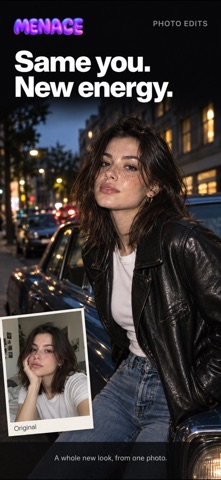
Create playful AI photo edits and short videos from your own images. Choose a template or describe a scene, review the result, then save or share your creation. CREATE WITH TEMPLATES Explore photo edits, animations, dance effects, and short video templates. Choose a look, add a photo you have permission to use, and Menace creates a new result. MAKE SOMETHING CUSTOM Use Create to describe an idea, choose image or video, and adjust available options. KEEP TRACK OF YOUR CREATIONS Review completed images and videos in your Library. Save a result to Photos, share it through iOS, delete it, or report it from the generation detail screen. DESIGNED FOR ENTERTAINMENT Menace is for creative editing and entertainment. AI results are synthetic and can be unexpected or inaccurate. Use only content you have the right and permission to use. Do not use Menace to deceive, harass, impersonate, create intimate content, or violate another person's rights. SUBSCRIPTION AND PAYMENT INFO Menace is free to download. A subscription is required to access AI photo and video generation features. Subscribers receive credits to create content. Additional credit packs may be available for purchase during an active subscription. Subscriptions automatically renew unless canceled at least 24 hours before the end of the current period. Payment is charged to your Apple ID at confirmation of purchase. You can manage or cancel your subscription in Settings > Apple Account > Subscriptions. Terms: https://www.menaceai.app/terms Privacy: https://www.menaceai.app/privacy EULA: https://www.apple.com/legal/internet-services/itunes/dev/stdeula/
Screenshots