brochi: couple bucket list
Alejandro Garcia

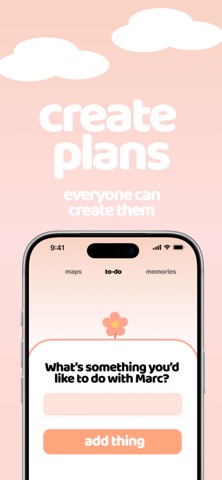
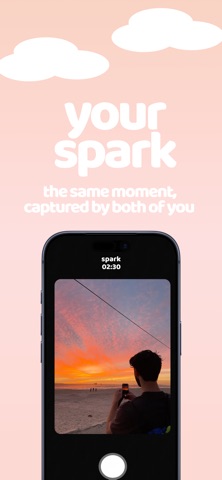
Turn your "maybe later" into real memories with your partner. Brochi is the ultimate couples app to create a shared bucket list, plan experiences together, and capture every special moment. Whether you're dreaming of future adventures, cute date nights, or long-term goals as a couple - Brochi helps you stay connected, intentional, and in love. KEY FEATURES - Shared Bucket List for Two: Build your dream list of activities, adventures, and goals - together. Add photos and notes to each plan to make them more personal and exciting. - Real-Time Partner Sync: One of you creates the bucket list and invites the other with a simple code. Both partners can view, edit, and complete plans in real time. - Dual Camera Memories: Capture both perspectives in one shot with our unique dual camera feature. Perfect for selfies and shared experiences - complete with location tags. - Interactive Memory Map: See where your memories happened! All your completed plans are pinned on a beautiful interactive map. - Unlimited Plans & Photos: No limits. Create as many plans as you want, and save every photo that matters to your story. Brochi is perfect for couples who want to: - Turn "we'll do it someday" into real plans - Stay connected and creative in their relationship - Build a shared story filled with memories - Make love more intentional, fun, and organized Stop waiting. Start sharing. Brochi. Terms of Use (EULA): https://www.apple.com/legal/internet-services/itunes/dev/stdeula/
Screenshots