StarDesk - Remote Desktop
GearUP Portal PTE. LTD.

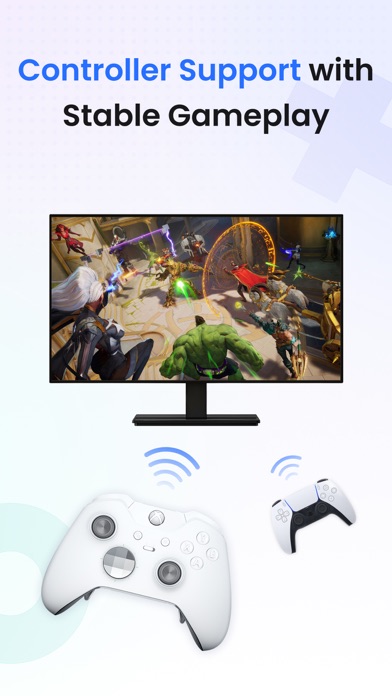
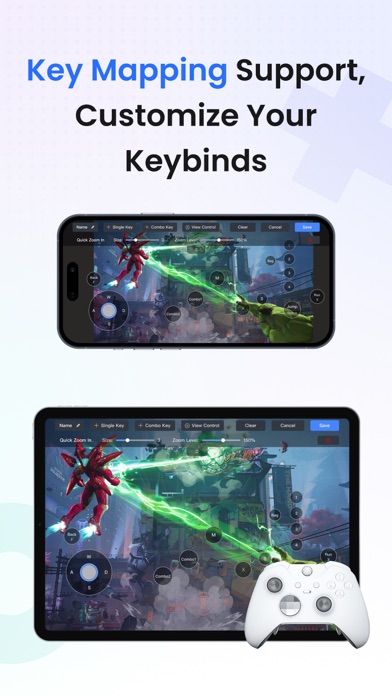
StarDesk delivers ultra-low-latency remote desktop and secure remote access, letting you control your PC or Mac from iOS, iPadOS, Mac, Windows, other mobile device or another PC—with remote wake, fast file transfer, smooth screen share, and responsive 4K streaming for both work and remote PC gaming. Designed for real security and real performance, StarDesk uses encrypted remote control sessions to keep your data protected while delivering stable, low-latency PC streaming, game streaming, and remote work across phones, tablets, laptops, and desktops. Whether you’re gaming, working, or providing remote assistance, StarDesk keeps your connection fast, your remote access secure, and your PC&Mac always within reach from any device. Why StarDesk StarDesk brings smooth, secure, and low-latency remote access to all your devices. Whether you're streaming your gaming PC or connecting for work, StarDesk keeps your remote desktop fast, stable, and fully encrypted. Below are the two core ways people use StarDesk. Remote PC Gaming Enjoy your full gaming PC anywhere with responsive remote desktop streaming built for gameplay. • Real remote PC gaming (not console or cloud gaming) • Smooth 4K streaming with low latency • Works on iPhone, iPad, Mac, PC and other mobile device. • Supports Mac as a host machine, access your Mac remotely anytime • Supports Bluetooth controllers • Built-in key mapping for games (Supports a rich selection of gaming keyboards for mobile use.) • Precise remote mouse for shooters, MOBAs, and strategy games • Stable cross-platform PC streaming for Steam, Epic, Battle.net, and more Remote Work & Productivity • Supports Mac as host, control your Mac remotely from any device • A secure, fast remote access solution for everyday work • Fully encrypted remote control sessions • Reliable screen share and multi-monitor switching • Smooth performance for Office, Photoshop, IDEs, browsers, CAD • Unlimited file transfer • Remote wake for instant access to your PC anytime • Great for IT support, remote assistance, and urgent tasks • Works across iOS, Mac, other mobile device, Windows, PC-to-PC, remote desktop Quick Start Personal Users 1. Install StarDesk on both devices. 2. Open All Devices and select your PC. 3. Enjoy instant remote desktop and secure remote access. Remote Assistance 1. Install StarDesk on both devices. 2. Open Remote Assistance and enter the Device ID + Verification Code. 3. Confirm access. 4. Start secure remote control. Troubleshooting Start here:https://www.stardesk.net/blog/how-to-use-stardesk.html Need more help? Go to StarDesk → Profile → Help & Feedback Or join our Discord: https://discord.gg/V9JUJb6bUx Support email: support@stardesk.net Privacy Protection All remote access and remote control sessions are end-to-end encrypted. We cannot see your screen, files, or activity. Privacy Policy: https://stardesk.net/license/privacy-policy.html
Screenshots