MannerShotNote: Doc Scanner
Ryo Sato

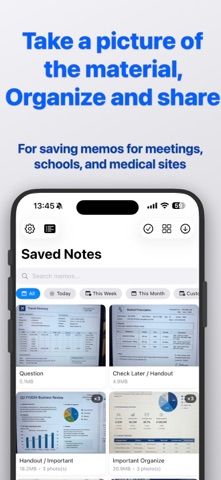
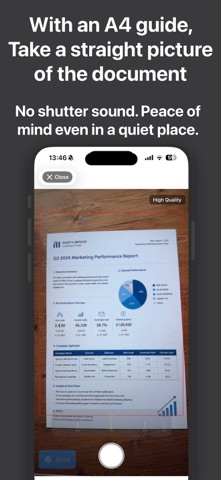
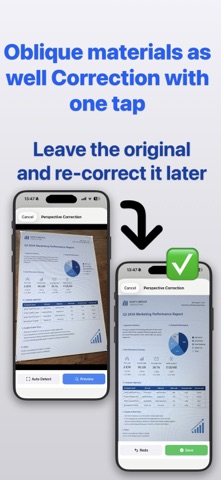
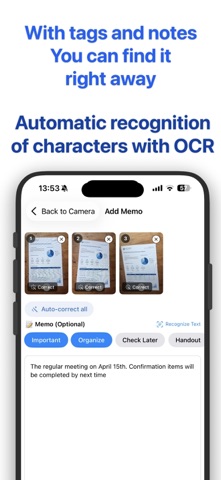
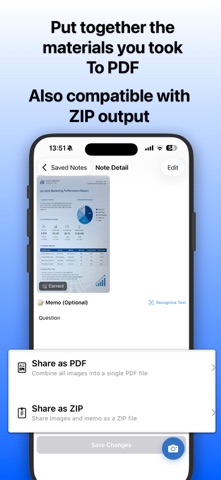
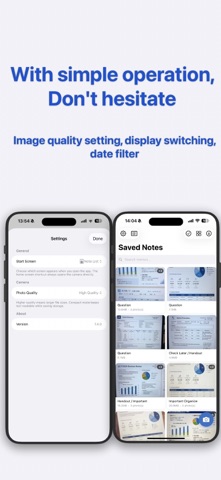
Keep what is in front of you, even in a room where a camera sound would be out of place. Your photos become notes you can tag, search, and send on as a PDF. CAPTURE - No shutter sound, so you can use it in a meeting or a lecture without drawing attention - Add as many photos as you like to a single note - Import existing photos and screenshots from your library into a note - Open the camera straight from Control Center, the Lock Screen, or the Action button - Three quality levels, so you can save space when readable text is all you need ORGANIZE - Write your note the moment you finish shooting - One tap for tags like Important, Organize, and Check Later - Add tags of your own FIND IT LATER - Full-text search across every note you have written - Filter by today, this week, this month, or a range you choose - Switch between list and grid SHARE - Turn a whole note into a single PDF - Or send the images and the note together as a ZIP STRAIGHTEN - Photos taken at an angle can be corrected to look as if shot head-on - Correct every uncorrected image in a note in one go READ THE TEXT - Recognize text in a photo and add it to your note - Follows your device language: English, Japanese, Korean, Chinese, German, French, Spanish, Italian, Portuguese, and Russian Everything happens on your device. No account needed. GOOD FOR - Whiteboards and handouts from a meeting - Lecture slides you want to go back to - Material you pick up at a conference - Paperwork and statements you want as a PDF
Screenshots