Lens - PDF Scanner & Editor
Colleen Williamson

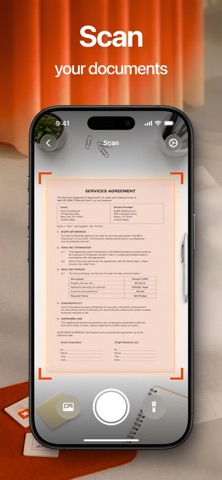
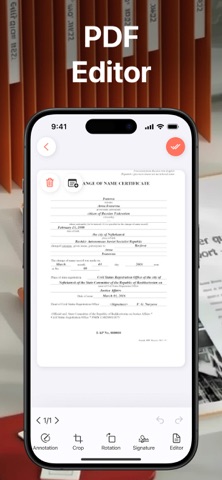
Our app is an all-in-one tool for scanning, editing, and organizing documents effortlessly. Turn paper documents such as receipts, contracts, notes, forms, or ID cards into sharp, professional-quality PDFs in just a few taps. Smart scanning automatically detects borders, enhances image quality, and uses OCR to extract text, making your documents searchable and ready to share. Once scanned, you can easily edit your PDFs — add notes, highlight important sections, draw, or make quick corrections directly within the app. Keep everything organized with folders, combine multiple pages into a single file, and export documents as PDFs or images whenever needed. Subscription Information: Full access to all features requires an active subscription, which you can manage or cancel anytime through your device’s subscription settings. Privacy Policy Link: https://docs.google.com/document/d/1WhJaBYHEX0TYLcOUB8SG9sqbaiGSoEZrh5JtwkalIKc/edit?usp=sharing Terms of Use Link: https://www.apple.com/legal/internet-services/itunes/dev/stdeula/
Screenshots