TapReader
Xiaozhi Xing

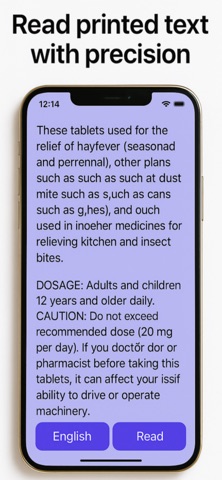
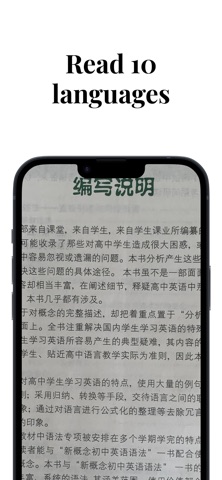
TAPREADER Scan and listen — 100% offline. No subscription. No login. Just $1.99 — forever. TapReader is designed for anyone who needs a fast, private way to read printed text. Whether you’re on the go, in a hurry, or prefer to listen, TapReader makes reading easier for everyone. It’s especially beneficial for users with vision impairments, but it's just as perfect for anyone looking for a simple, effective solution for reading text quickly and easily. How it works: Select a language, tap Scan to capture text, then tap Read to hear it aloud — it's that easy. For better results, use Ava(enhanced) voice. To download it, go to your device's 'settings' - 'Accessibility' - 'Spoken Content' - 'Voices' - 'English' - 'Voice', find and download Ava Enhanced voice. 100% offline — no Wi-Fi or mobile data required Accessible design — easy for users with vision issues No setup or account needed — just open and use No image upload or personal data collection Natural-sounding English voice, plus 9 major languages: English, Simplified Chinese, Traditional Chinese, Japanese, Korean, Spanish, French, German, Portuguese, Russian Accurate and fast text recognition: it reads handwriting too Can be used anytime, anywhere Zoom in to scan and read from distance: shop signs, street names, plate numbers etc. DISCLAIMER: TapReader is not a medical device. It helps users read printed text and does not provide medical advice or treatment.
Screenshots