App Update Access
Namik Ersun

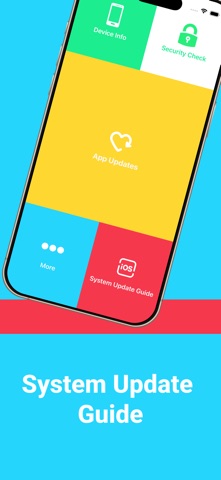
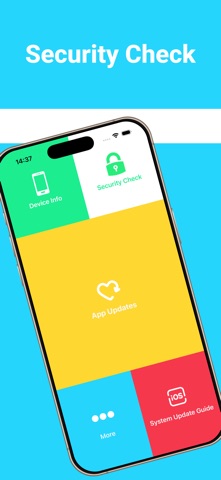
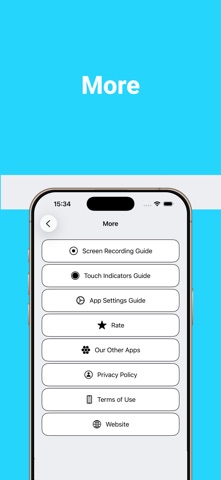
Looking for an easy way to access app update options, view device information, and follow helpful iOS guides? App Update Access brings useful tools and step-by-step instructions together in one lightweight app. With App Update Access you can: • Access app update options • View detailed device and system information • Check your device's jailbreak status • Follow the System Update guide • Follow the Screen Recording guide • Follow the Touch Indicator guide • Follow the App Settings guide App Update Options Access your device's app update page in just a few taps. Device Information View your iPhone or iPad model, iOS version, and other essential device information. Jailbreak Check Check whether your device appears to be jailbroken. System Update Guide Follow step-by-step instructions to open the iOS Software Update settings. Screen Recording Guide Learn how to enable Screen Recording with easy step-by-step instructions. Touch Indicator Guide Learn how to enable touch indicators for tutorials and demonstrations. App Settings Guide Follow step-by-step instructions to open app-specific settings.
Screenshots