WiFi File Transfer & FTP
TECHPRD PTY LTD

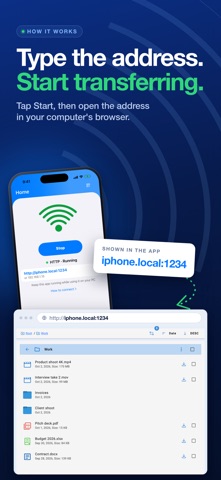
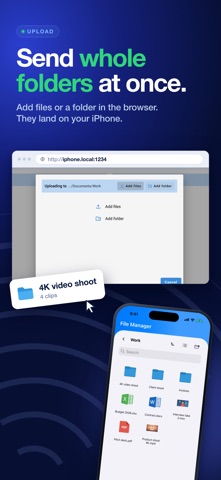
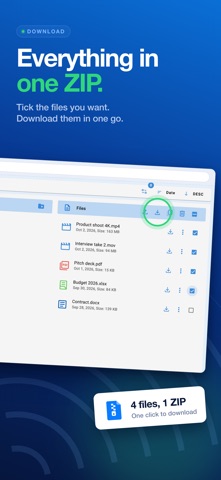
Move files between your iPhone and any computer over WiFi. No cable, no cloud, no account. It works in any browser on Windows, Mac and Linux. HOW IT WORKS 1. Connect your iPhone and computer to the same WiFi. 2. Tap Start in the app. 3. Open the address it shows in your computer's browser. That's it. The files in the app appear on your computer screen. Drag and drop to upload, click to download. WHAT YOU GET • Whole folders in one go: drag a folder from your computer and it lands on your iPhone • Everything in one download: grab many files at once as a single ZIP • Find anything fast: browse, search and preview in the built-in file manager • Phone to phone: send files straight to another iPhone, iPad or Android device running the app • For power users: FTP and encrypted SFTP modes that work with any FTP client • Less typing: use a friendly .local name, or the IP address PRIVATE BY DESIGN Your files never leave your WiFi network. No account. No cloud. No tracking. Optional password protection. PAY ONCE No subscription. No ads. Questions or a problem? Contact us from Settings > Support & Feedback.
Screenshots